
You know that sinking feeling when you check your bank account and have no idea where your money went? Most people don’t have a budget problem – they have a visibility problem. A good budget calculator fixes that in about ten minutes.
The best free budget calculator right now is PocketGuard’s. It’s fast, clean, and gives you a real picture of your cash flow without requiring a finance degree. That said, the right tool depends on your situation – whether you’re tackling debt, building savings, or just trying to stop bleeding money on stuff you don’t track. If recurring subscriptions are part of what you’re not tracking, Subpilot pairs well here — it surfaces every subscription quietly draining your account, giving your budget calculator accurate numbers to work with from the start.
We have examined five of the best free budget calculators in 2026 below. Not a bit of fluff – what every tool is, whom it is made, how to choose it.
What Is a Budget Calculator and How Does It Work?
A budget calculator is a basic application that charts your earnings with your monthly spending. You enter the amount you make, choose the types of your spending: rent, groceries, subscriptions, gas, etc., and the calculator indicates to you what is left (or what is not).
The majority of calculators operate on either the 50/30/20 (needs/wants/savings) or zero-based budgeting, where each dollar will be given a job. Others are non-portable spreadsheet programs. Others are linked to your bank account and automatically bring live data.
The formula is very easy, income less expenses equals net cash flow. The difference between calculators lies in how well it presents the number, how user-friendly it is, and whether it actually makes you act on your financial aspirations or not just look at the chart.
What to Look for in a Budget Calculator
Not all calculators are worth your time. Here’s what separates the useful ones from the forgettable ones.
- Ease of use. If it takes 20 minutes to set up, most people quit. The best tools get you to a result in under five minutes. Clean inputs, logical layout, no jargon.
- Customization. Your budget isn’t generic. Look for calculators that let you add, rename, or remove spending categories so the numbers actually reflect your life.
- Savings rate visibility. A good calculator doesn’t just show your expenses – it shows your savings rate and highlights where you can improve. That gap between what you earn and what you spend is the number that builds wealth.
- Debt management tracking. If you carry debt, you need a tool that factors in minimum payments, interest, and payoff timelines – not just a field that says “debt: $X.”
- Privacy. Some calculators are purely offline tools that don’t store your data. Others sync with your bank. Know what you’re sharing before you connect anything.
- Mobile access. If the tool only works on desktop, you’ll stop using it. Mobile-friendly design matters for real-world budgeting.
Top 5 Free Budget Calculators in 2026
PocketGuard Budget Calculator
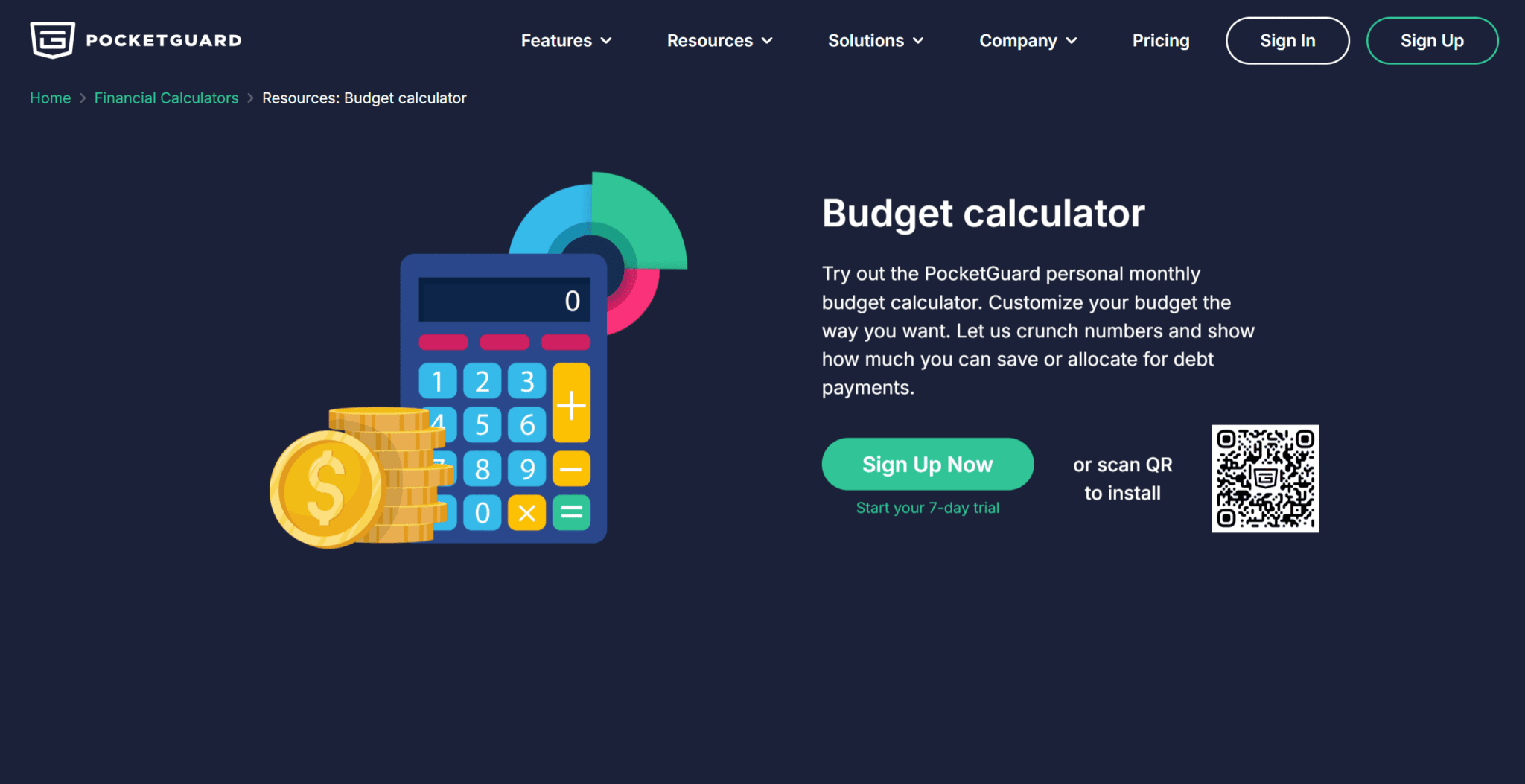
PocketGuard budget calculator built its reputation as a budgeting app, but its standalone budget calculator deserves its own spotlight. It’s one of the most efficient tools out there – you enter your income, set up spending categories, and within minutes you can see exactly how much you have left after bills and necessities.
The interface is uncluttered. There’s no learning curve. You’re not forced to create an account just to see your numbers. For anyone who wants a fast, clear snapshot of their monthly cash flow without committing to a full app, this calculator hits the mark.
Key features:
- Simple income and expense entry interface
- Categorized spending breakdown (housing, food, transport, etc.)
- Clear “left to spend” figure based on cash flow
- No signup required for basic use
- Feeds naturally into the full PocketGuard app if you want to go deeper
Who it’s best for: People who want a no-fuss calculator that gives them a real number fast. Also great as a first step before adopting a full budgeting system.
Ramsey Solutions Budget Calculator
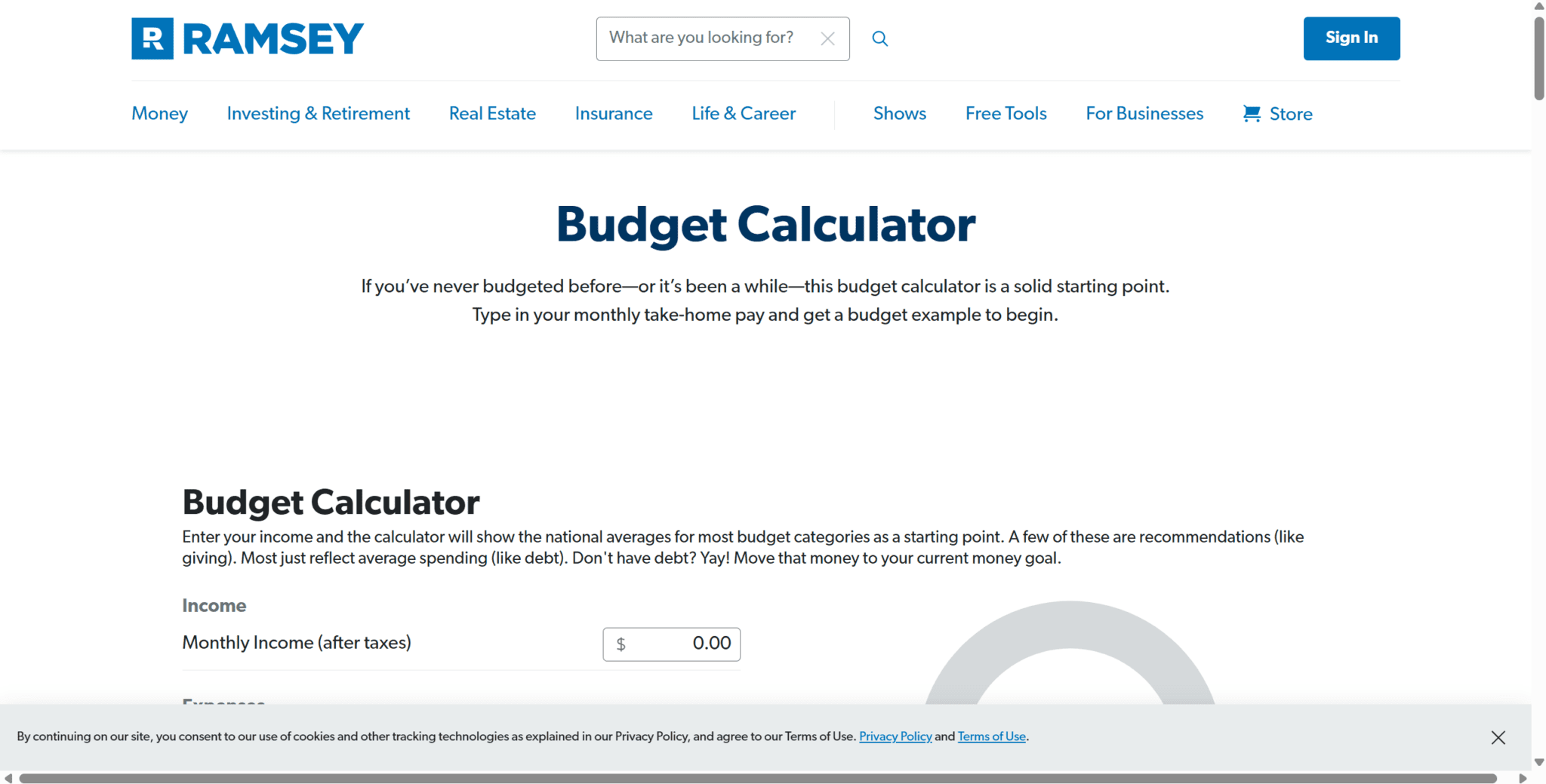
Dave Ramsey’s approach to budgeting is well-known – and this calculator reflects his zero-based budgeting philosophy directly. Every dollar of your income gets assigned a purpose before the month begins.
The Ramsey calculator walks you through income and expenses category by category, then shows you whether your budget balances to zero. It’s more structured than most free tools, which is either a feature or a limitation depending on your personality.
Key features:
- Built on zero-based budgeting methodology
- Detailed category breakdown, including giving, saving, and debt payoff
- Budget summary showing income vs. planned expenses
- Integrates with EveryDollar app for ongoing tracking
- Educational prompts throughout the calculator
Who it’s best for: People following Dave Ramsey’s Baby Steps, those paying off debt aggressively, or anyone who wants a more disciplined, all-dollars-assigned approach.
Quicken Budget Calculator
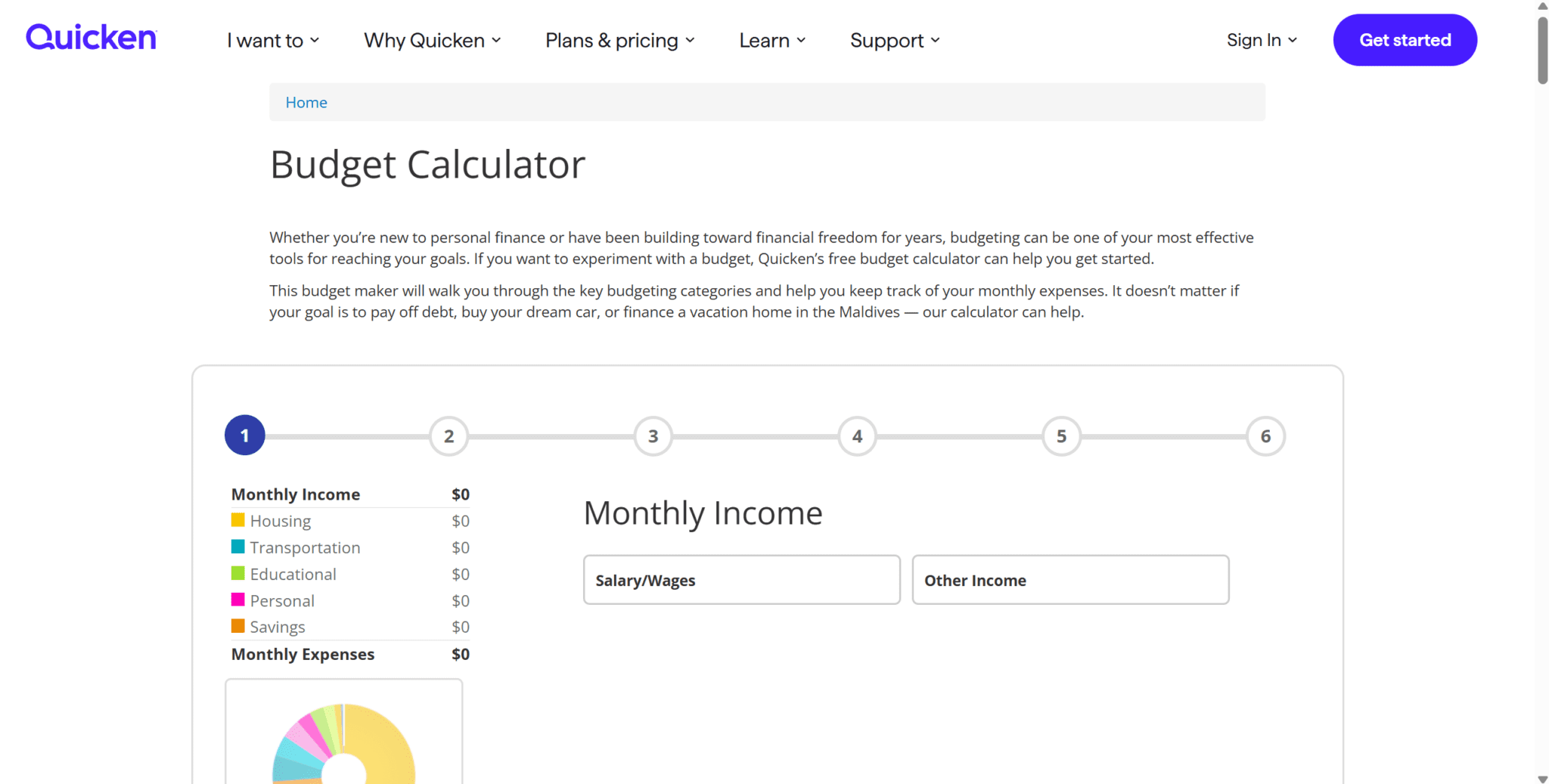
Quicken has been in the personal finance space for decades, and their free budget calculator reflects that experience. It’s a solid, reliable tool – more detailed than most, with the ability to model both monthly and annual expenses side by side.
Where Quicken stands out is in depth. You can model irregular expenses – annual insurance premiums, quarterly subscriptions, car maintenance – and spread them across months automatically.
Key features:
- Monthly and annual expense views
- Handles irregular and one-time expenses
- Detailed category structure with subcategories
- Net income summary with savings projection
- Clean export/print functionality
Who it’s best for: People with variable income or irregular expenses who need a more complete picture of their annual cash flow, not just a monthly snapshot.
SmartAsset Budget Calculator
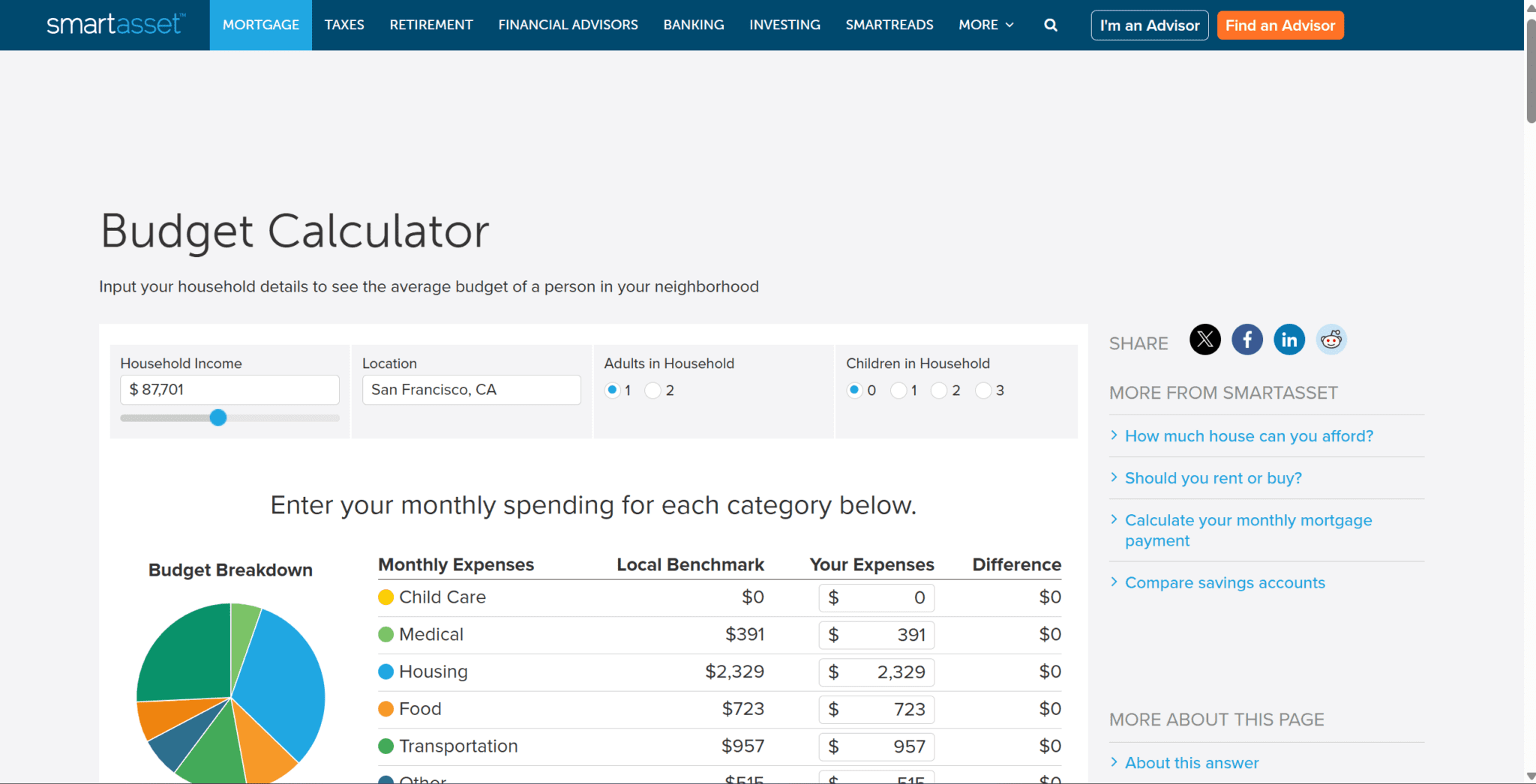
SmartAsset made its reputation on financial planning tools, such as mortgage calculators, retirement planners, tax estimators, and its budget calculator is no different. It is more data-driven and not a number, but ratios.
The tool applies the 50/30/20 framework and benchmarks your current spending against those targets. So instead of just showing that you spent $800 on dining out last month, it shows you what percentage of your income that represents and how it compares to a healthy budget.
Key features:
- 50/30/20 budget framework built in
- Visual breakdown showing needs vs. wants vs. savings
- Percentage-based analysis alongside dollar figures
- Links to related financial tools (mortgage, retirement)
- No account required
Who it’s best for: People who want their budget analyzed against a standard framework, or who are starting to think about longer-term financial goals alongside monthly spending.
CalcXML Budget Calculator
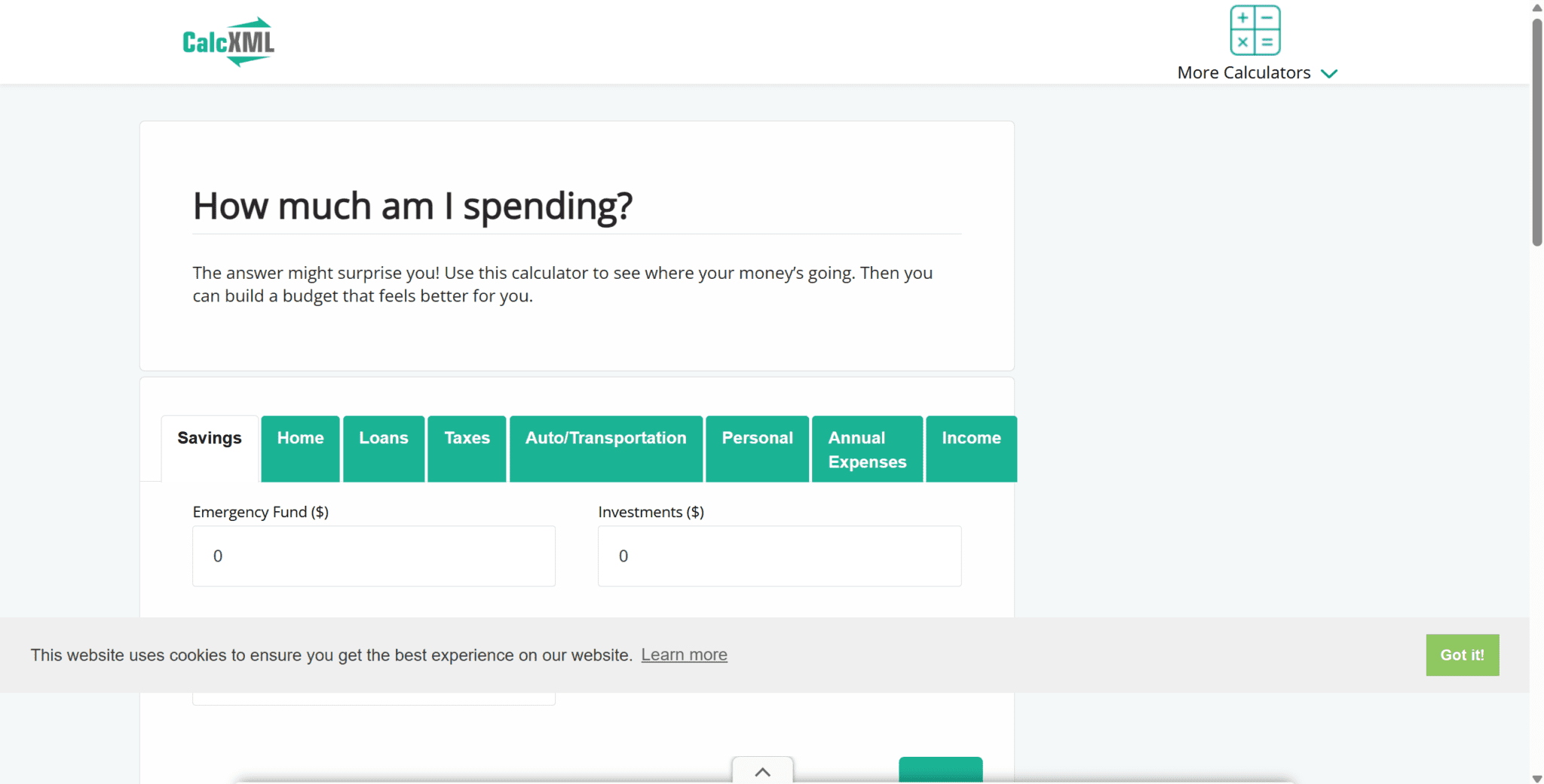
CalcXML is a utility-first tool – not flashy, but thorough. Their budget calculator covers over 20 spending categories and outputs a comprehensive breakdown of where your money goes. It’s the closest thing to a digital spreadsheet without actually building one.
The interface is older-looking but don’t let that fool you. The depth of categorization is impressive for a free tool, and the output includes a clear surplus/deficit figure along with a visual pie chart of your spending.
Key features:
- 20+ expense categories for comprehensive tracking
- Visual pie chart output
- Surplus or deficit calculation
- Printable results
- No account or signup required
Who it’s best for: Detail-oriented budgeters who want granular category breakdowns, or anyone building a budget for the first time who needs a complete category checklist.
Comparison Table
| Tool | Ease of Use | Customization | Mobile-Friendly | Price | Best For |
| PocketGuard | ⭐⭐⭐⭐⭐ | Moderate | Yes | Free | Quick cash flow snapshot |
| Ramsey Solutions | ⭐⭐⭐⭐ | Moderate | Yes | Free | Zero-based budgeting / debt payoff |
| Quicken | ⭐⭐⭐⭐ | High | Yes | Free | Irregular expenses / annual planning |
| SmartAsset | ⭐⭐⭐⭐ | Low | Yes | Free | 50/30/20 framework users |
| CalcXML | ⭐⭐⭐ | High | Partial | Free | Detail-oriented first-time budgeters |
How to Choose the Right Budget Calculator for You
The “best” tool is the one you’ll actually use. Here’s a simple way to narrow it down.
- Start with your goal. Paying off debt? Go with Ramsey’s zero-based approach. Trying to understand where your money disappears each month? PocketGuard or SmartAsset will show you that faster than anything else. Building a detailed annual plan? Quicken or CalcXML have the depth for that.
- Consider your personality. Some people love detailed category breakdowns. Others shut down the moment a tool gets complicated. Be honest with yourself – a simple tool you use beats a powerful one you abandon.
- Think about next steps. A calculator is a snapshot. If you want ongoing tracking, look for tools that connect to a budgeting app. PocketGuard and Ramsey’s EveryDollar both have app extensions that turn a one-time calculation into a living budget.
- Don’t obsess over perfection. Run the numbers in any of these five tools and you’ll be further ahead than 80% of people. The goal is clarity, not a perfect spreadsheet.
Budget Calculator or Budgeting App: Which Is Right for You?
A budget calculator gives you a number. A budgeting app keeps you accountable to it.
If you’ve never budgeted before, start with a calculator. Get your income and expenses on paper (or screen), understand your cash flow, and set targets. That takes 10 minutes and costs nothing.
Once you’ve got your baseline, an app makes it sustainable. The PocketGuard budgeting app is a natural step up from the calculator – it links to your accounts, tracks spending automatically, and shows your “safe to spend” number in real time, so you’re not manually updating a spreadsheet every few days.
The honest answer: use a calculator to build your budget, then use an app to live it.
FAQ
What is the best free budget calculator?
For most people, PocketGuard’s budget calculator is the best combination of speed, clarity, and ease of use. If you follow zero-based budgeting or are actively paying off debt, Ramsey Solutions’ calculator is the stronger choice.
What is the difference between a budget calculator and a budgeting app?
A budget calculator is a one-time tool – you enter your numbers and get a snapshot of your finances. A budgeting app is ongoing software that tracks your spending in real time, usually by connecting to your bank account. Calculators are great for planning; apps are better for accountability.
How accurate are free budget calculators?
As accurate as the numbers you put in. These tools don’t pull your data automatically – you enter your income and expenses manually. The output is only as reliable as your inputs. For a more accurate picture, pull up your last three months of bank statements before using any calculator, so your spending estimates reflect reality rather than optimism.