
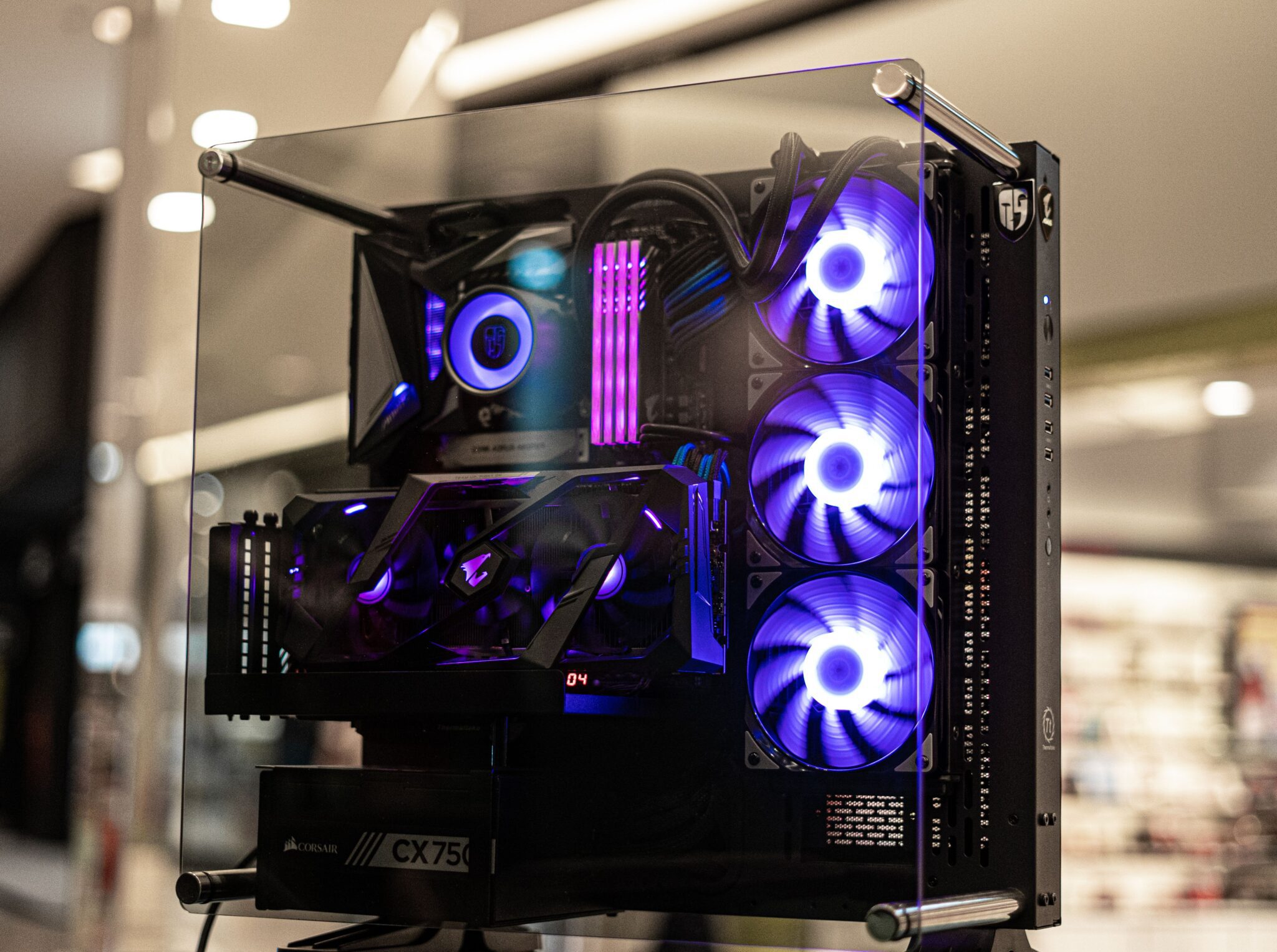
Assembling a custom rig gives you total control over components. You select every single part to match your exact performance goals. This path avoids the limitations of pre-built options from mass manufacturers. Your unique build will handle specific tasks exactly how you want.
The process requires careful planning to maximize your hardware budget. Proper preparation prevents compatibility issues during the physical assembly stage. Gathering your tools beforehand makes the building process smooth. Patience remains your best asset during the setup phase.
Selecting Your Core Processor
The central processing unit acts as the primary brain of your machine. It dictates how fast your system handles complex computational tasks. High-tier choices offer superior clock speeds for seamless operations. Investing in a strong chip prevents lagging during intensive multi-threaded workloads.
Picking the right chip means balancing thermal output and raw power, which is a primary factor for hardware balance. When building a computer, choosing options like Novatech Gaming gives you access to top-tier components that deliver peak performance. High-quality parts prevent system bottlenecks during heavy usage.
Modern processors require robust cooling solutions to maintain stability. Liquid cooling or heavy-duty air coolers prevent thermal throttling under heavy loads. Maintaining low temperatures extends the lifespan of your silicon.
Choosing The Right Motherboard
Your motherboard connects every component together into a unified system. It determines your future expansion options and total storage capacity. Choosing a board with robust power delivery assists with stable overclocking results. Premium circuit boards offer better shielding against electromagnetic interference.
Modern boards feature advanced chipsets that unlock hidden hardware capabilities. An industry resource indicates that Windows 11 helps leverage the power of advanced Intel Core Ultra chips. Optimization aids system responsiveness during intensive tasks.
Pay close attention to the physical size of the board before buying. Standard ATX models provide plenty of slots for extra expansion cards. Smaller form factors limit your upgrade paths down the line. Check the rear port selection to match your external accessories.
Balancing Memory And Storage
Random access memory keeps your active applications running smoothly. Insufficient memory causes stuttering during intensive multitasking or gaming sessions. Fast memory modules allow the processor to access data without delays. High-speed kits improve the execution of complex creative software.
Modern software demands substantial resources to operate at peak efficiency. A tech guide states that modern gaming titles thrive when your system features at least 16GB or 32GB of memory. Investing in fast memory kits prevents sudden frame drops.
Combine fast memory with solid-state drives for maximum speed. Solid-state storage eliminates long loading screens and speeds up boot times significantly. NVMe drives offer the fastest read speeds available today.
Budgeting For Graphics Power
The graphics card renders every visual element on your monitor. It represents the largest financial investment in most high-tier builds. Selecting a powerful card guarantees fluid frame rates at high resolutions.
High performance demands a realistic view of component pricing. A UK market overview shows that a high-end setup capable of 4K performance costs between £1,600 and £2,500+. Saving money on other parts allows you to afford the premium component.
Consider some elements when evaluating different graphics options:
- Total video memory capacity for high-resolution texture loading.
- Physical card length matches your specific chassis space.
- Power connector requirements for safe energy delivery.
- Cooling fan configuration for optimal internal heat dispersion.
Selecting A Reliable Power Supply
The power supply unit delivers clean energy to your hardware. Cutting corners on the component risks damaging your expensive parts. Quality power delivery keeps your system running without unexpected shutdowns.
Look for units with high efficiency ratings to lower electricity bills. High efficiency means less wasted heat inside your computer case. Modular cables keep your build neat and improve internal airflow patterns. Removing unused cables creates a clean look behind the side panels.
Calculate your total system wattage requirements before making a purchase. Leaving a 20% headroom allows for future hardware upgrades. A safety margin protects components from sudden power spikes.
Managing Airflow And Case Design
A good computer case protects your parts from dust and physical impact. It directs cool air over hot components to maintain safe temperatures. Proper design reduces noise levels during heavy gaming. Selecting a spacious case gives your hands room to work.
Position your intake and exhaust fans to create positive pressure. Positive pressure keeps dust out of small chassis gaps. Cable management plays a huge role in maintaining unrestricted airflow paths.
Tempered glass panels let you showcase your neat component layout. Choosing a case with magnetic dust filters makes regular maintenance much easier. Removable brackets simplify the installation of large liquid cooling radiators.
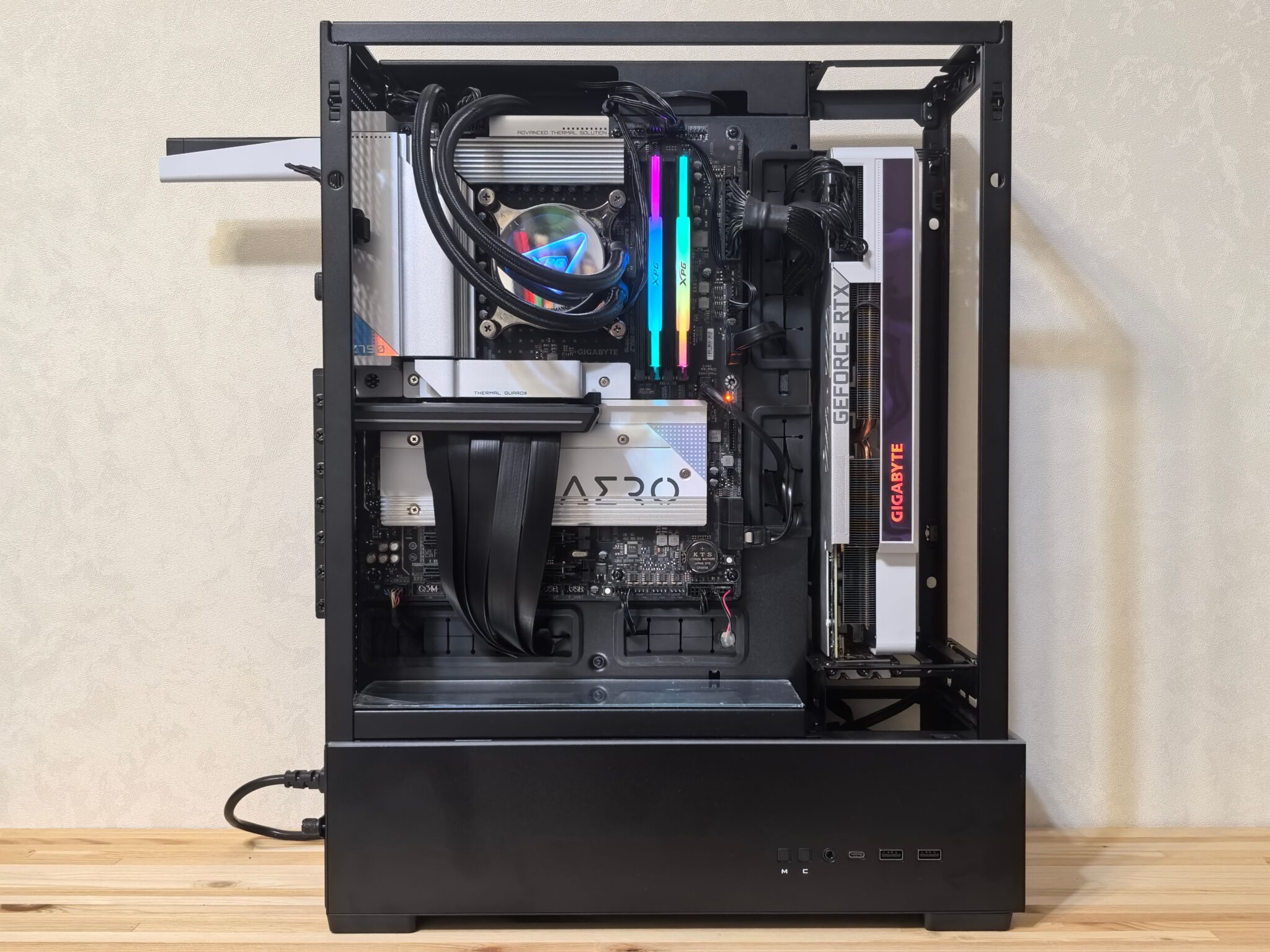
Completing your custom build brings immense satisfaction. Turning the machine on for the first time rewards your careful research. You now possess a powerful asset tailored to your needs. The system will serve you well across demanding tasks.
Regular maintenance keeps your system running well for many years. Taking care of your hardware protects your financial investment. Enjoy the superior speed of your new setup. Consistent cleaning guarantees top performance.