Most family offices keep one portrait of the principal that everyone has signed off on. It came from the last shoot, it was retouched once, the person in it approved it, and it now sits in the annual letter, the private-client deck and the conference programme. The week a deck needs something that moves, that same file turns into a scheduling problem. ai image to video is the shorter way out, because the approved frame stays the source and the motion is added on top of it.
What makes this bite harder in a family office than in a brand team is approval. A marketing department can greenlight a new face on a Tuesday afternoon. A principal’s office usually cannot. The people who would have to sign off again are the same people who asked for the original retouch, and they answer on a different calendar from the one the deck runs on. Every new frame is a new approval, and the waiting is the expensive part of this work, not the photography.
Why The Annual Letter Still Uses The Same Portrait
One approved portrait does a lot of quiet work. It heads the annual letter, it sits on the leadership page, it appears in the investor-day programme and in the deck the advisers rebuild every quarter. Nobody replaces it because it keeps passing. Swapping it means a shoot, a retouch, another round of approvals and a new set of crops for layouts that already exist, which is why an office can keep the same frame for years while the role behind it changes twice.
Then the requests arrive in motion. A website hero that does not sit still. A short clip for a partner’s post. A loop behind the podium at an investor day. Those requests land with whoever owns the portrait, and that person does not own a camera crew. The choice narrows quickly: book the shoot, or move the file that already passed.
Two Ways To Get Motion From A Portrait
Put both paths next to the same approved photograph and the difference shows up in what each one has to buy. A reshoot buys new pixels and then pays again to drag them back into layouts built around the old frame. A generate spends a few minutes on the file the family already signed and leaves the rest of the deck alone.
| Question | Book the shoot again | Move the approved portrait |
| What the office spends | Call time, travel, a retouch, then a second approval | One generate from a file that already passed |
| Who signs off | The principal, plus everyone who approved the first retouch | Nobody new; the source frame is the approved frame |
| What stays fixed | Nothing. New light, new styling, a different crop | The face, the crop, the styling and the colour grade |
| What the deck gains | Fresh files to re-crop into layouts that already exist | One moving version of a frame already in use |
Read the middle column as a chain rather than a cost. Call time, travel, a retouch, an approval, then a re-crop, because the new file is a different shape from the slot it has to fill. The right column skips the chain and keeps the shape. What comes back is the same portrait with a few seconds of motion attached, and the deck does not have to be redesigned around it.
What A New Shoot Actually Brings Back
A shoot returns more than one usable frame. It returns new light, a second look at styling, and a reason to refresh the whole portrait set instead of one file. If the approved portrait is older than the role the principal holds now, or the styling has visibly moved on, that is the honest case for booking it, and no animate pass fixes a portrait that no longer looks like the person.
The tell is usually in the letterhead. If the portrait predates the current fund name or the current office address, the office is protecting an image that has already been superseded. That is a shoot, and it is worth the approval cycle.
What One Generate Costs The Office
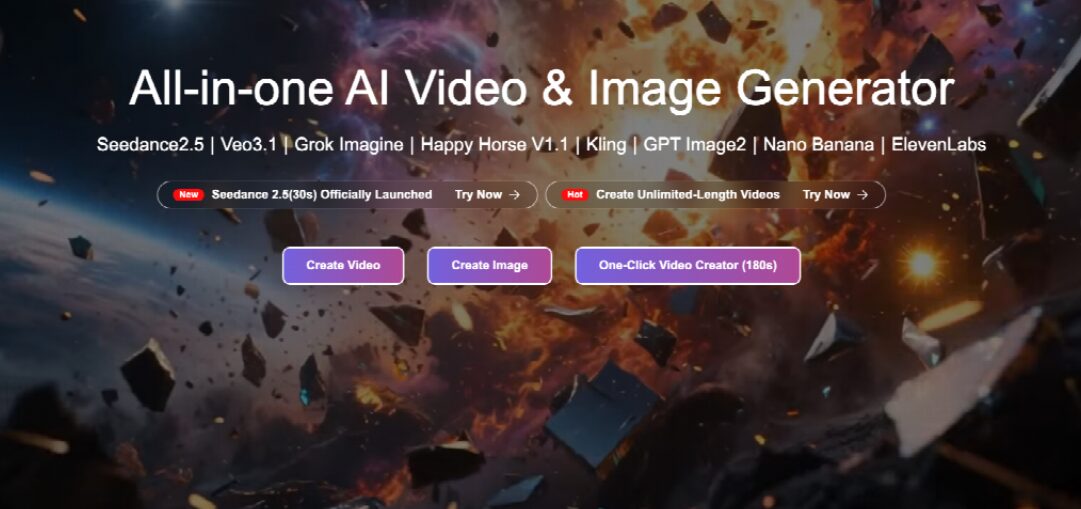
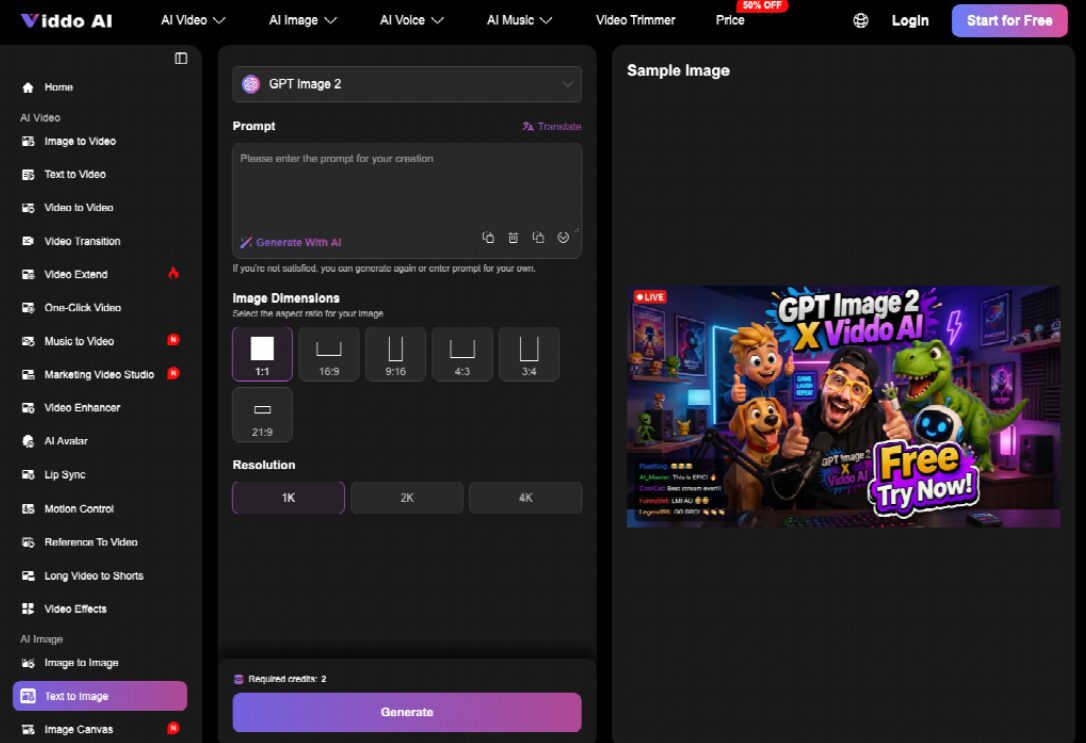
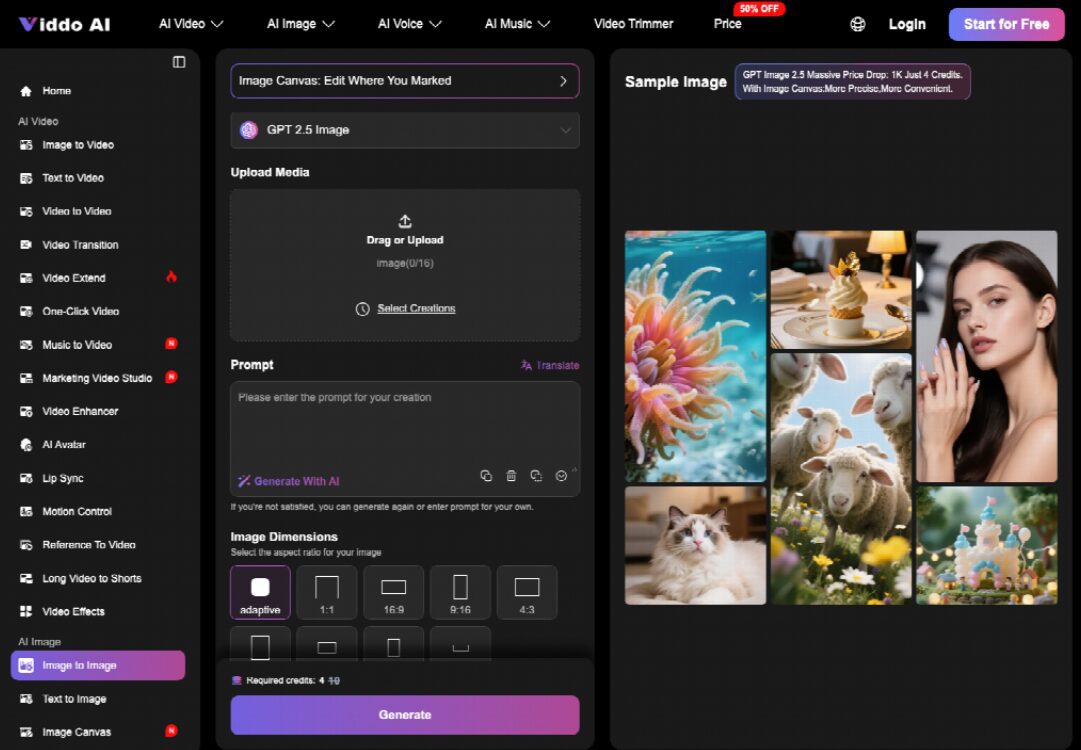
The other path is smaller than it sounds. The still goes into the Reference slot in Viddo AI’s Create Video panel, the prompt describes the move rather than the person, and the take comes back at the ratio the deck already uses. Set 16:9 for slides, keep the length at the short end so the clip loops behind a speaker without a visible cut, and leave the face near the centre of the frame where the crop can find it.
The control worth learning first is the seed. Viddo AI shows the current seed beside a lock, and locking it means the next generate repeats the same take while you change one word of the prompt. An adviser who wants two versions for the principal to choose between gets them without a second brief, and the office does not restart the approval round from zero to see a slower push-in.
Judging Motion By The Face That Was Approved
Motion is only useful here if the person in the clip is still the person in the letter. Watch three things on the first playback: whether the eyes keep their shape, whether the hands stay where the photographer put them, and whether the background invents something that was not in the room. A clip that drifts on any of those fails the only test the office actually cares about, and it fails in front of the family rather than in front of a client.
It is also the argument for an image to video pass over a prompt that renders a fresh portrait from scratch. A synthesised face is a new approval dressed as convenience. A moved frame is the file that already cleared, with time added to it.
Keep The Frame The Family Signed Off
Check the first and last frames against the approved still, not the motion in between. If the first frame matches, the clip can open cold in a deck with no title card explaining who is in it. If the last frame matches too, it can loop behind a speaker for a full session without a visible seam. Those two frames are the whole contract with the principal’s office, and everything in the middle is decoration.
Placing The Clip Next To The Still In A Deck
A portrait does not stop being a portrait because there is a clip of it. The letter still needs the still: a printed page, a PDF that travels by email, a print run for the annual meeting. What changes is the room. On a tablet at the investor day, or in the web version of the letter, a few seconds of motion holds attention longer than another headshot, and it holds it without a second approval.
Placement follows from that. Open the section with the still, play the clip once where somebody is looking at a screen, and keep the still in anything that might be printed or forwarded. Offices that put the clip everywhere discover that half their readers open the PDF on a phone with the sound off, and a silent loop of a portrait is a still with extra steps.
The Portrait Stays The One The Family Approved
For a family office the useful version of this tool is narrow, and that is the point. It does not replace the shoot that refreshes a portrait every few years. It covers the requests that arrive between shoots, when a deck needs motion and nobody wants to reopen an approval that took a quarter to close.
Viddo AI suits the office that owns a portrait worth keeping and needs it to move without presenting a new face to the family. It does not suit an office whose approved frame is out of date, or one where the motion has to show the principal doing something rather than standing still. In those cases the shoot is the shorter path, and the clip can wait.