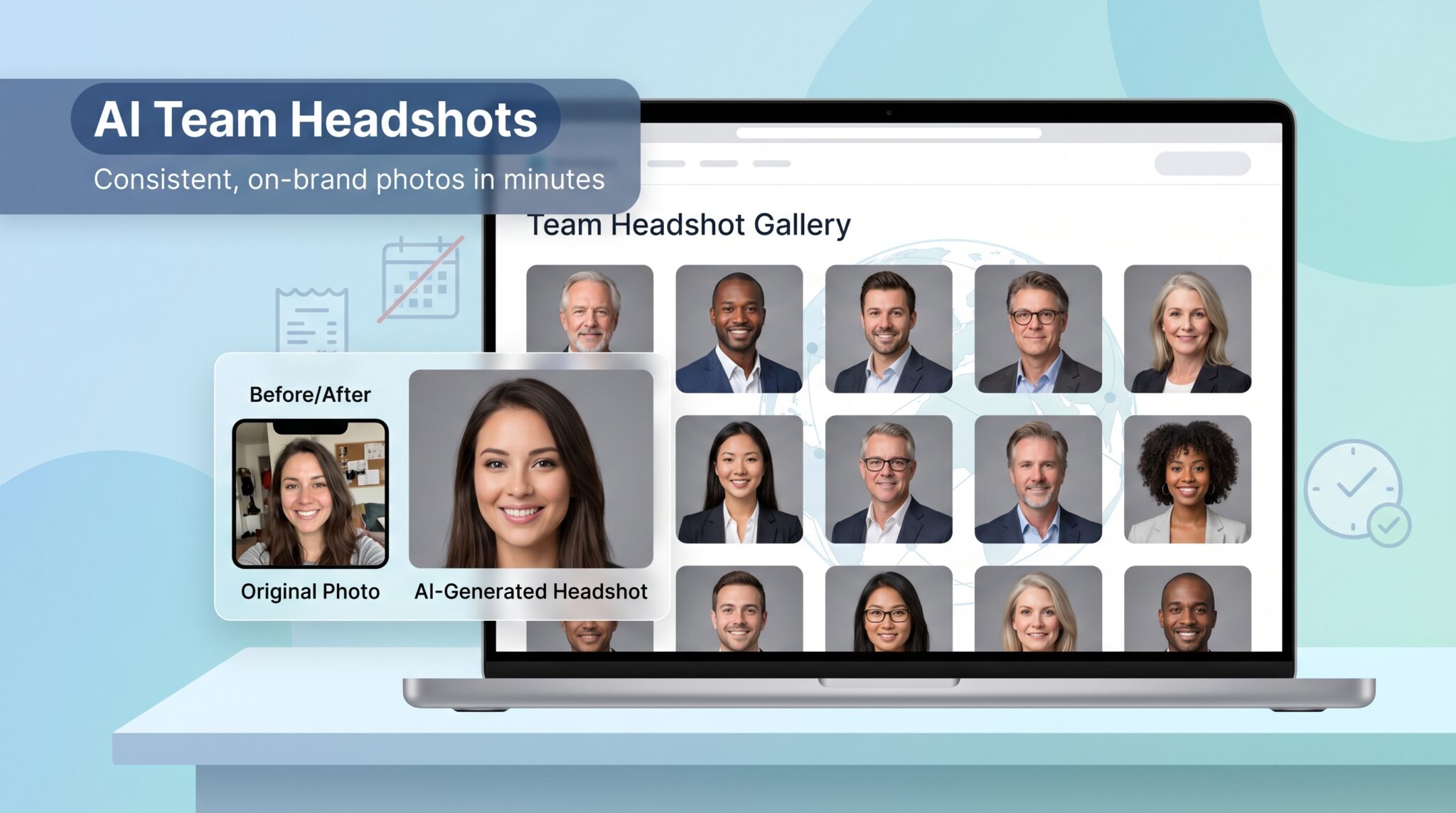
Photographer invoices still sting: in 2026 a studio headshot runs $150–$600 per person, and metropolitan shoots climb higher. Yet AI can now turn a selfie into a polished, board-ready portrait in minutes. Three-quarters of recruiters prefer the AI version when scanning profiles—proof that polish and consistency win attention.
This guide focuses on teams, not solo job seekers. We tested the free tools, scored each on quality, privacy, and scale, and narrowed the field to five standouts you can roll out company-wide.
Curious? Try HeadshotMaster.io to watch a sample selfie become a studio-quality portrait, then read on to swap calendar chaos for click-and-done confidence.
Why AI headshots matter for teams
Traditional photography doesn’t scale. A ten-person shoot means wrangling calendars, hiring a pro, and signing off on edits, then paying that $150-plus per person invoice. Multiply that by a fifty-person sales org and you’re staring at a five-figure line item.
AI flips that math. Upload a selfie, wait a few minutes, and you have a tidy gallery of business-ready portraits. Recruiters have already voted with their clicks: three out of four say the AI version looks better when they scan profiles. That preference shows that polish and consistency beat “authentic studio lighting” every time.
The shift isn’t just about money. Distributed teams rarely sit in the same city, let alone the same studio. AI generators deliver the same gray background and subtle vignette to your developer in Boise and your AE in Boston. Every headshot matches, and your About Us page finally stops looking like a patchwork quilt.
Speed helps too. Re-orgs, new hires, or a sudden PR push no longer trigger a mad scramble for updated photos. Knock out fresh shots in an afternoon, drop them into LinkedIn, and get back to work before the inbox revs up again.
Magic Studio shows how fast large-scale generation can be: its bulk plan delivers about 100 polished portraits per employee in fifteen minutes. Better yet, you can try this free AI headshot generator with no sign-up to gauge quality beforehand; the tool has already produced more than twelve million professional headshots.
That throughput turns a 50-person refresh into a coffee-break task and frees you to lean on the free generators below for smaller, on-demand edits.
Of course, teams juggle more than aesthetics. Legal and HR leaders worry about data leaving company walls. Recent backlash pushed vendors to promise they delete uploads and steer clear of using faces to train future models, making privacy a visible battlefront rather than a footnote. We’ll highlight which tools put those guarantees in writing so you’re covered on compliance and optics alike.
Finally, there’s morale. When everyone—from interns to execs—gets a flattering, on-brand photo, profiles feel cohesive and professional. Small touch, big lift. It signals that the company invests in its people, even if the investment is measured in clicks instead of camera flashes.
That’s why we’re bullish on free AI headshot generators for teams: they solve a real business pain, they meet recruiters’ expectations, and they respect modern privacy standards. Next up, we’ll show you how we separated the headline-grabbers from the genuinely trustworthy platforms.
How we picked the winners
You deserve to know why a tool lands at number one instead of number five, so before we reveal the lineup, here is the playbook we used to separate slick marketing from genuine value.
First, “free” had to mean genuinely usable. A platform needed to let you export at least one clean, un-watermarked headshot without pulling out a credit card. Short demo previews didn’t cut it.
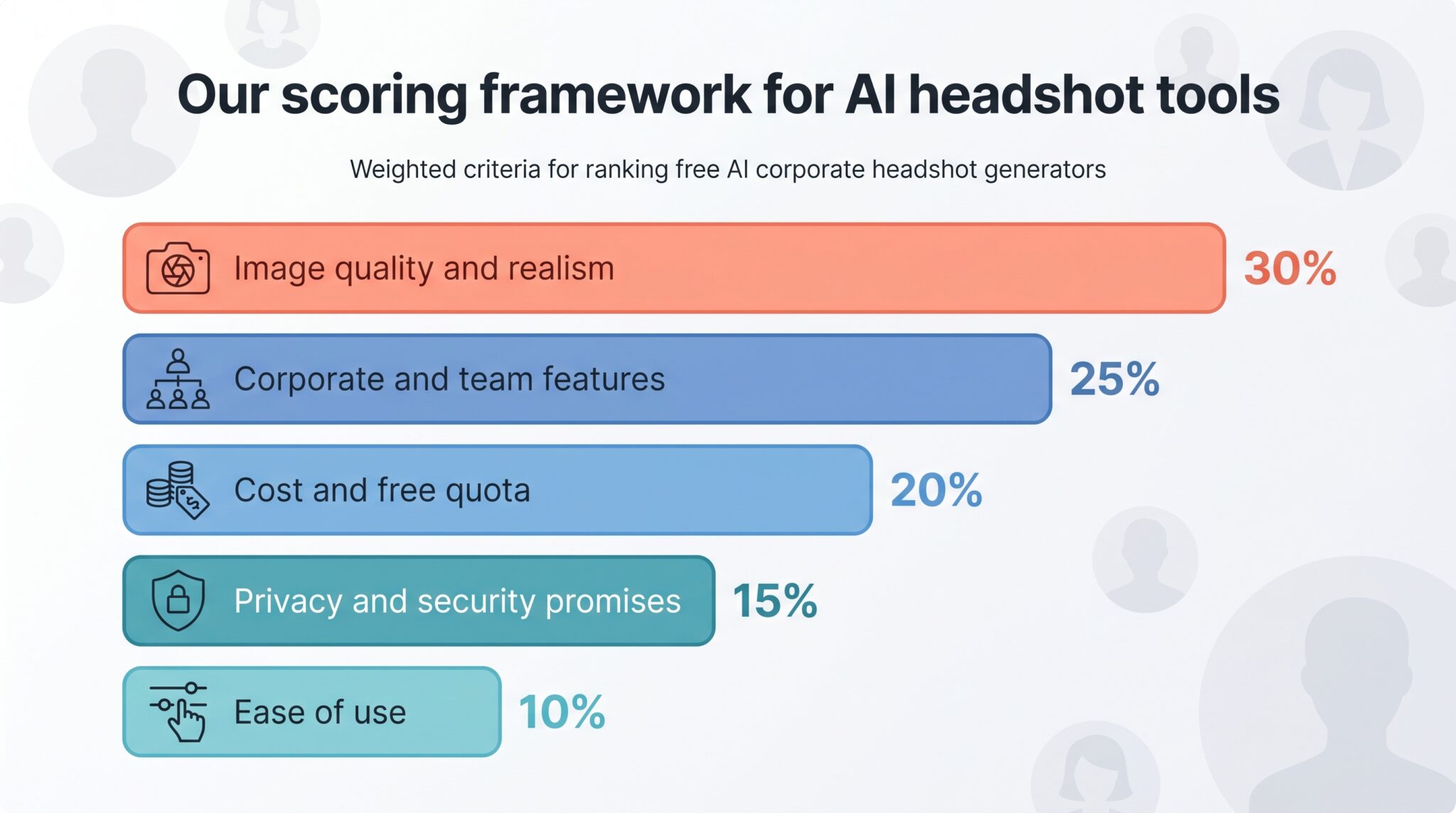
Next, we built a five-factor scorecard and weighted each category by business impact. Image quality leads the pack, because no one wants rubber ears or plastic skin. It is followed by features that matter when you manage dozens of employees, not just a single LinkedIn refresh.
Our rubric:
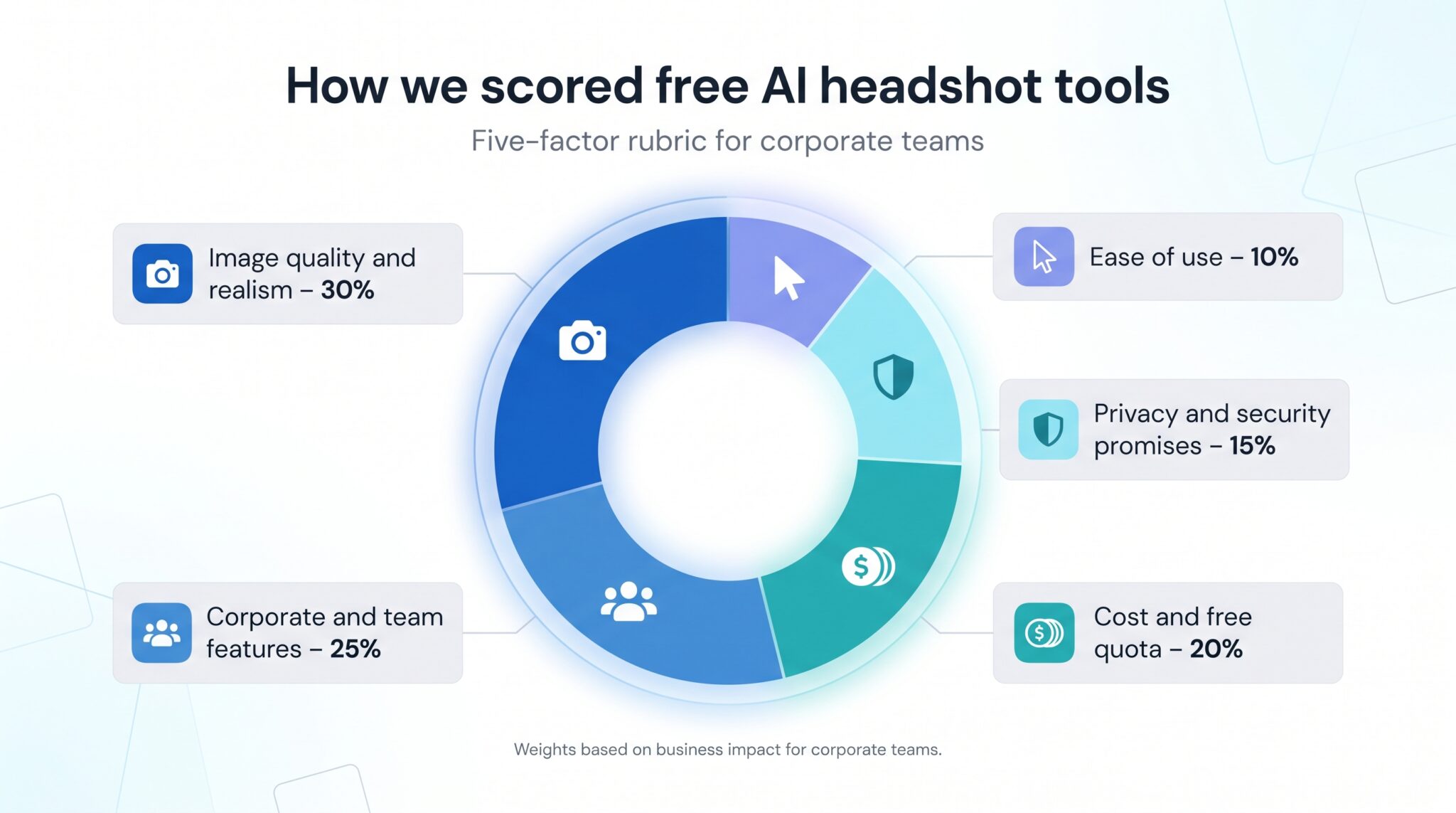
- Image quality and realism – 30 percent
- Corporate and team features – 25 percent
- Cost and free quota – 20 percent
- Privacy and security promises – 15 percent
- Ease of use – 10 percent
We ran the same two test selfies—a well-lit office shot and a quick phone snap—through every finalist’s free tier. Each output was scored blind, then averaged to reduce bias. If a tool let us bulk-upload or lock a background style, it earned points in the team-features column. If it buried the good stuff behind a paywall, scores fell fast.
Privacy wasn’t just a checkbox. Headlines like Evoto’s January apology—covered in a Digital Camera World article that included an “ironclad” pledge not to train on user photos—prove that companies scrutinize data handling now more than ever. Any generator without a clear deletion policy lost marks.
Finally, we reviewed generosity. A service offering ten high-resolution downloads a month outranks one that offers unlimited previews but charges to save anything useful. Only five tools met every bar with room to spare. Those are the ones you will see next.
1. Magic Studio(formerly known as InstaHeadshots): bulk-ready AI headshots built for fast-moving teams
Magic Studio earns a spot on this list because it was clearly designed with scale in mind. Upload a few selfies and the platform quickly turns them into polished, corporate-ready portraits with consistent lighting, clean backgrounds, and realistic facial detail that avoids the over-smoothed “AI avatar” look. The interface stays simple enough for non-technical employees, which matters when you are rolling out headshots across an entire department instead of coaching one person through settings and prompts.
Magic Studio free AI headshot generator page screenshot
What makes Magic Studio stand out is speed at volume. The platform can generate large batches of professional portraits in minutes, making it practical for onboarding waves of new hires, refreshing a company directory, or standardising LinkedIn photos before a product launch or conference season. Try this free AI headshot generator which lets teams test image quality before committing to any paid workflow, reducing the risk of wasting time on unusable outputs.
The results feel intentionally corporate rather than overly stylised. Suits, neutral office backdrops, and subtle lighting adjustments create images that fit naturally on company websites, investor decks, and recruitment pages. Privacy policies are also front and centre, with clear messaging around data handling and image deletion—an increasingly important factor for HR and compliance teams evaluating AI tools.
For companies that need consistent, professional headshots without scheduling photographers or coordinating office shoots, Magic Studio strikes a strong balance between quality, speed, and scalability.
2. HeadshotMaster.io: fast, high-fidelity results with a true free model
HeadshotMaster.io tops our list because it hits the sweet spot teams care about: studio-quality images in minutes, no cost, and a workflow that scales.
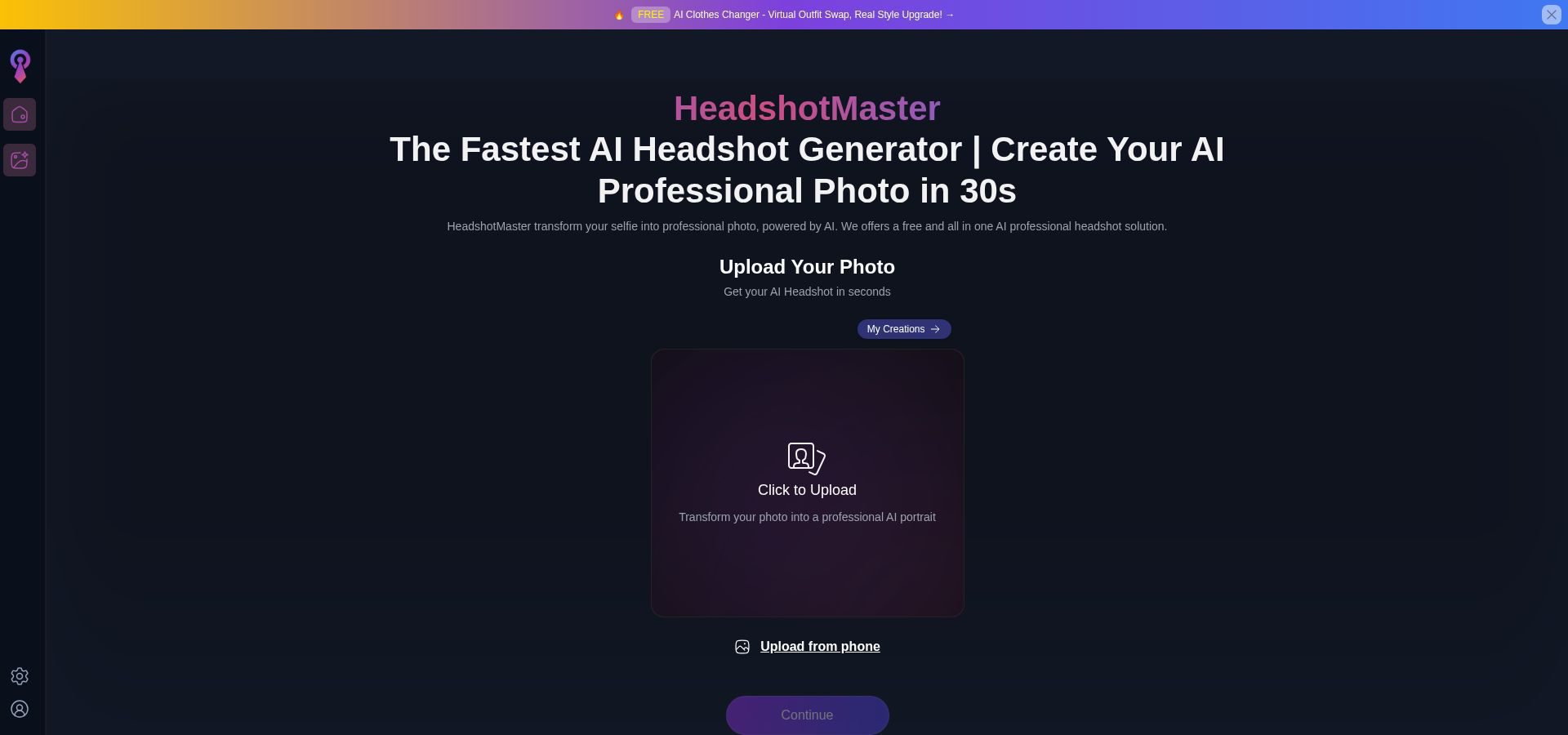
You start with a casual selfie. The platform’s interface is spartan, in the best way. Drag, drop, hit generate. About thirty seconds later a gallery blooms: dozens of suit-and-tie, business-casual, and neutral-background variations that look as if they came off a Canon R5, not a phone cam. Skin texture stays natural, hairlines stay honest, and eye whites remain white with no plasticky “AI face” giveaway.
Pricing is the draw. HeadshotMaster.io lets you generate and download high-resolution, un-watermarked headshots free by using daily credits, so experimentation never dents your budget.
Teams gain extra perks. Because the first few generations require no sign-up, rolling out to a thirty-person department feels more like sending a Slack reminder than staging a photo shoot. Employees can visit the site and produce matching portraits on their own.
Privacy earns points as well. HeadshotMaster.io states that images are not used for model training and are purged from servers within two hours, a pledge that aligns with the stricter promises vendors adopted after the Evoto backlash. HR can relax.
In short, HeadshotMaster.io turns the headshot chore into a lunch-break task and keeps finance happy while doing it.
3. Remaker AI: fine-tune every detail with free daily credits
Remaker AI is the power user’s playground. If HeadshotMaster.io feels like autopilot, Remaker hands you the stick shift.
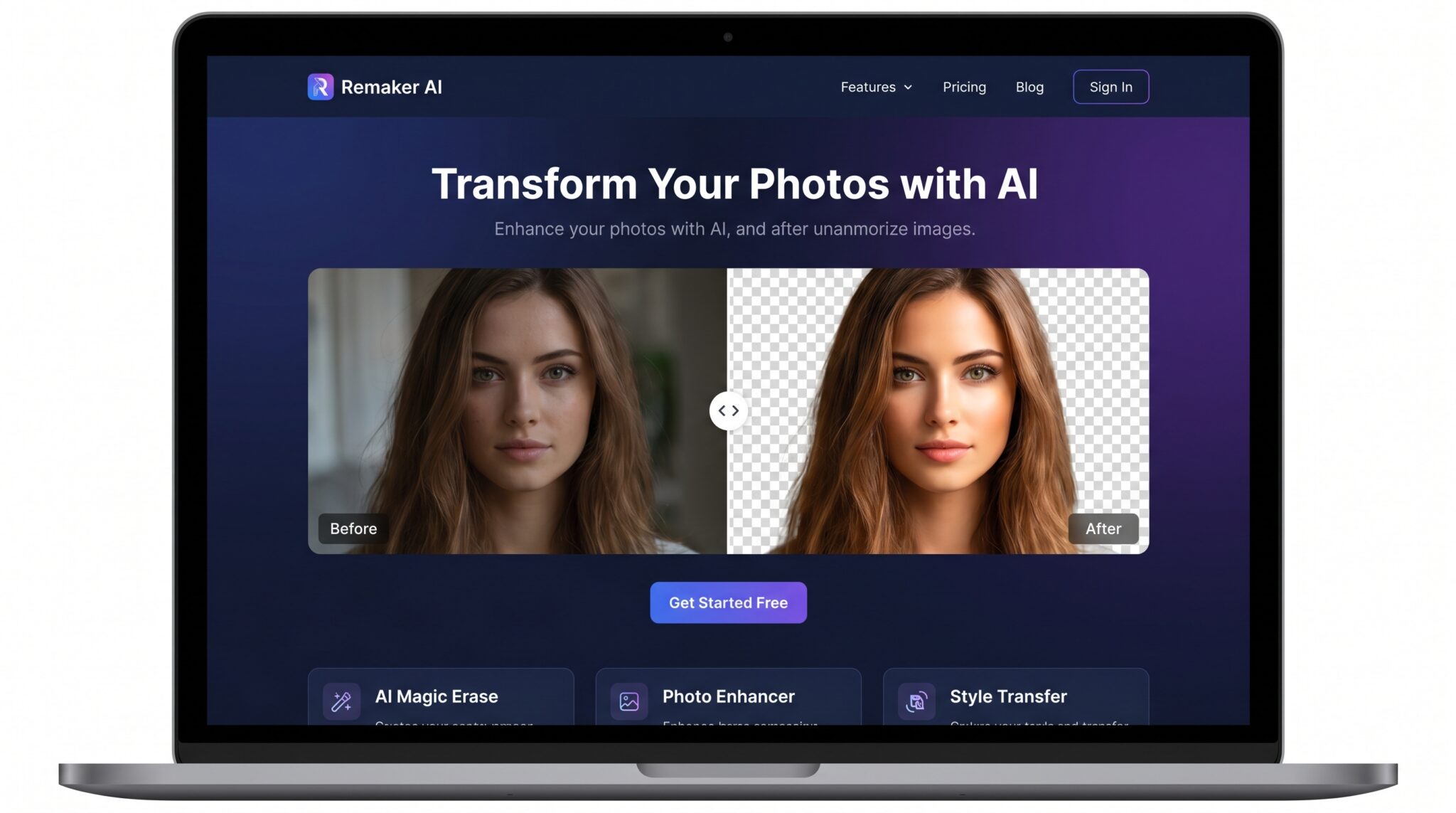
After a quick sign-up you receive a pool of free credits that refresh each day. One credit typically produces four high-resolution variants, each more lifelike than the last. You can choose model versions, lock a “formal boardroom” or “outdoor casual” vibe, and even adjust background blur. That control matters when marketing wants the C-suite in navy blazers while design prefers a softer, creative look.
Outputs impress. Hair edges stay crisp, skin keeps texture, and lighting matches the backdrop so faces do not look pasted on. In our blind test Remaker edged out every other free tool on raw realism, rivaling paid platforms that charge per export.
The trade-off is complexity. New users face sliders, style pickers, and credit math. We suggest naming one team member, often someone in marketing or design, as the in-house guru. They can set a master preset, then run batches while credits regenerate overnight.
Because downloads arrive watermark-free and the privacy policy states images are not used to train future models, Remaker fits neatly into compliance checklists. Use it for executives or anyone whose photo circulates widely, then rely on lighter tools for the rest of the roster. The result is finesse where it counts and speed everywhere else.
4. Supawork AI: unlimited, no-login headshots for budget-tight teams
Supawork AI feels almost suspiciously generous. Open the webpage and you are two clicks away from a full set of corporate headshots, with no sign-up, no daily cap, and no credit tally in sight. For startups counting every dime, that free-forever pitch is tough to match.
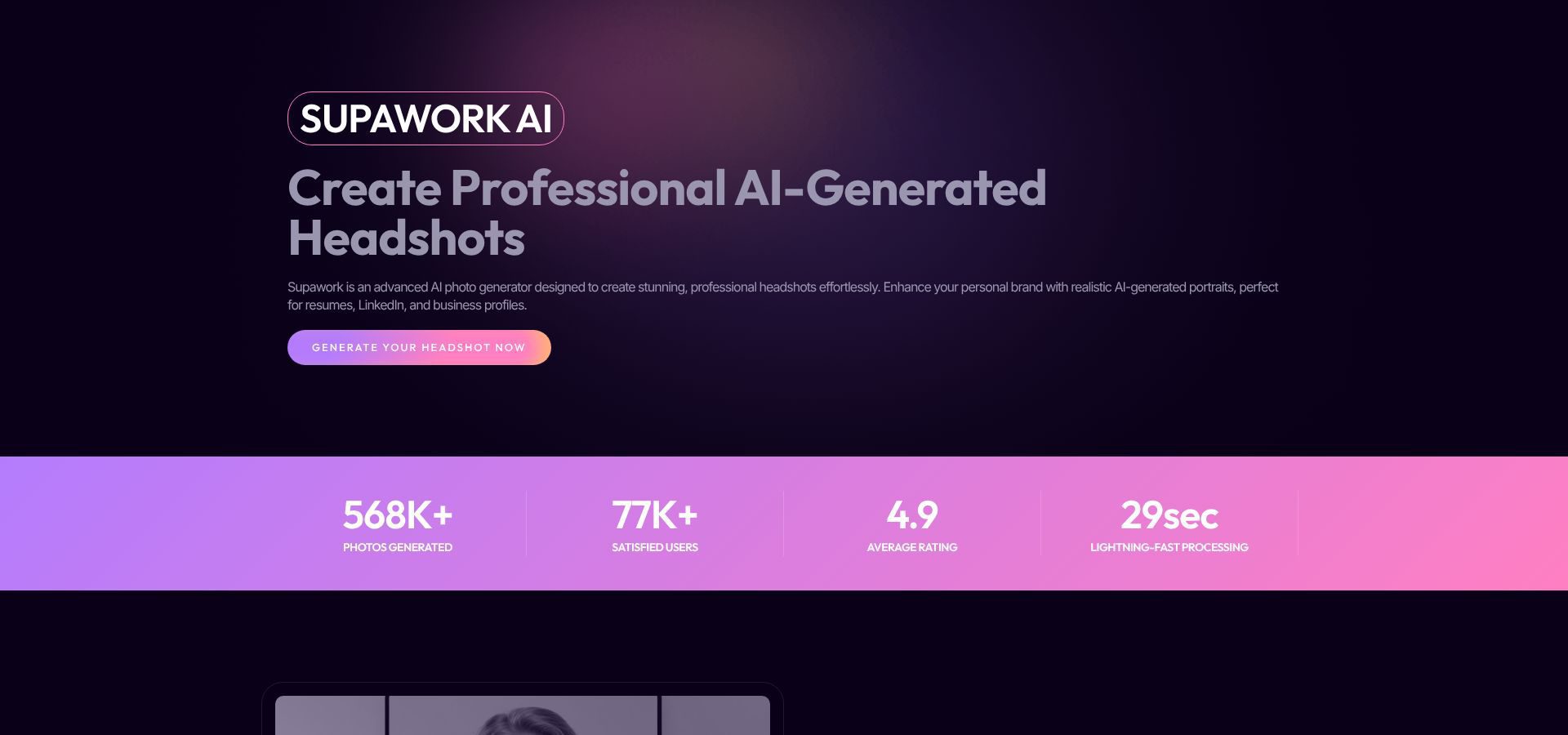
Upload a selfie and the engine returns several business-flavored presets: classic studio gray, a blurred office backdrop, even a soft outdoor scene. Each render finishes in under three minutes, so processing a twenty-person team becomes an afternoon task, not a week-long project.
Image quality will not replace premium tools, but it exceeds “good enough” for web and slide decks. Edge detection can soften hair or jacket collars, yet faces stay lifelike and lighting feels balanced. Because you can rerun a shot as many times as you like, simply generate fresh variants until you land a keeper.
Scale is the real draw. With no quotas to watch, HR can batch photos for interns, contractors, and last-minute hires without asking finance for extra licenses. Just remind staff to download results immediately; Supawork does not store a personal gallery, so closing the tab means starting over.
Privacy terms are concise, yet the absence of accounts means Supawork holds minimal personal data by design. For highly regulated industries you may still want a legal review, but most teams will appreciate the low data footprint.
Bottom line: when budgets are thin and headcount is rising fast, Supawork AI delivers unlimited shots at the unbeatable price of free.
5. Canva (AI Headshot app): polish and brand your photos in one workspace
Canva is not a pure generator; it is the finishing studio your marketing team already trusts. Install the free AI Headshot app inside Canva, upload a selfie, and the tool cleans the background, evens exposure, and offers a handful of conservative portrait options.
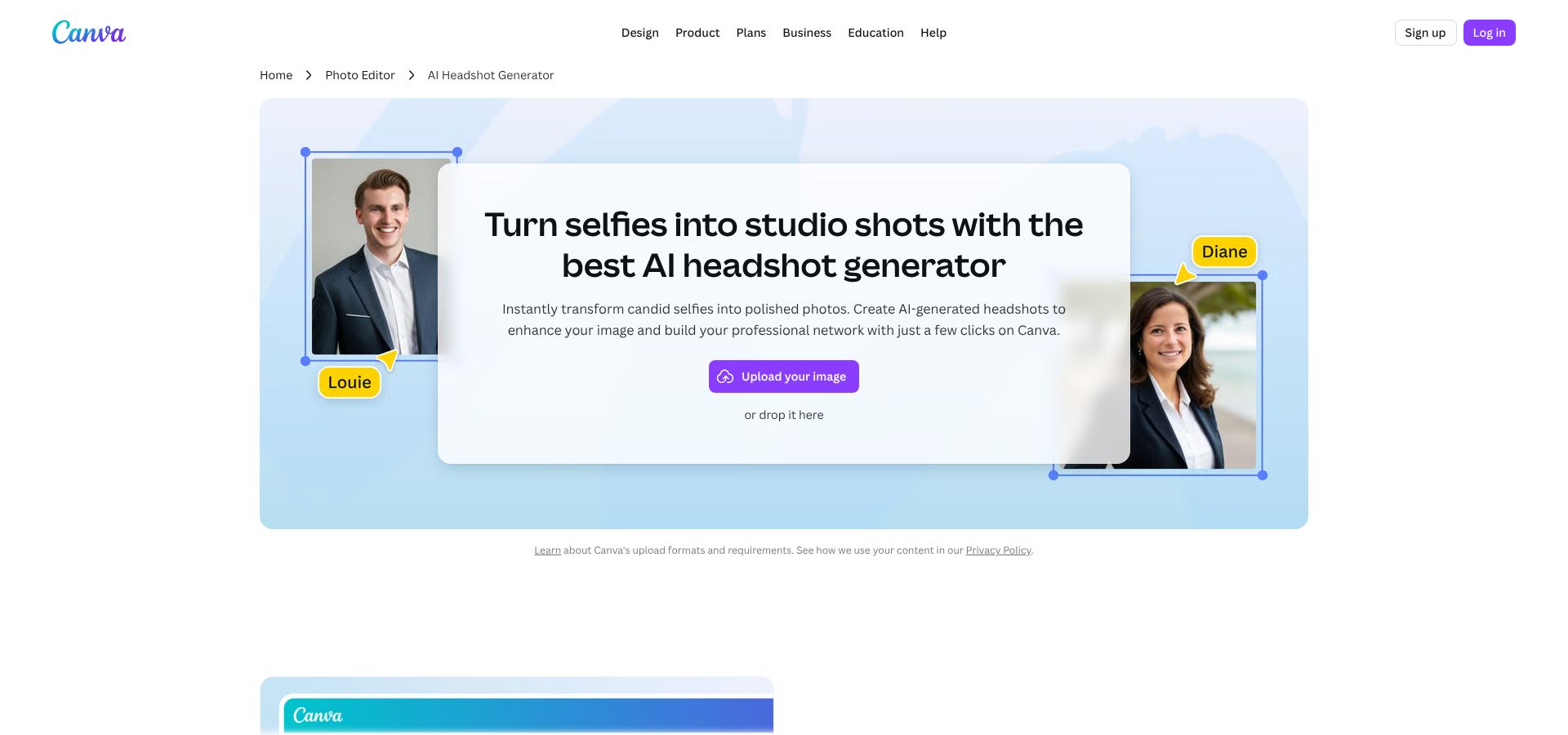
The magic happens after generation. Because you remain in Canva, you can tweak colour temperature, apply a subtle brand tint, or drop each headshot into a template that matches your website design. Need circular crops for Slack and square thumbnails for HubSpot? Duplicate the page, adjust the crop, export both. No extra software, no design bottleneck.
Collaboration is built in. Invite colleagues to a shared workspace, place the headshots in a team template, and collect feedback through comments. That transparency keeps revisions quick and prevents the “where’s the latest file” scavenger hunt.
On the free plan you receive up to five background-remover uses per month, and certain Magic Edit tools pause after a set number of clicks. For small batches those limits rarely pinch, and Canva’s library of neutral backdrops, brand palettes, and export presets saves hours you would otherwise spend in Photoshop.
Think of Canva as the glue that makes headshots from any generator look cohesive. Run photos through Supawork or Remaker, then import them here for final alignment. In one sitting you can standardise dimensions, colour grade, and add a discreet logo watermark if brand guidelines call for it.
Result: a polished, on-brand gallery of team photos ready for LinkedIn, proposals, or that new careers page, with no designer queue required.
Pro tips for rolling out AI headshots company-wide
Great tools still need smart process. Use these pointers to dodge common pitfalls and squeeze every ounce of value from the free tiers.
- Start with solid source photos. A bright window, neutral wall, and front-facing camera work wonders. Remind teammates to remove sunglasses and heavy filters. Clear input means fewer AI hiccups later.
- Pick one style before anyone clicks “generate.” Decide on background colour, crop ratio, and dress code, then share that guidance in Slack. Consistency is easier to bake in up front than to fix after the fact.
- Run a quick pilot. Choose two volunteers, process their shots through your chosen tool, and drop the results in the team channel. Instant feedback helps lock the style and builds excitement for the full rollout.
- Watch for subtle artifacts. Look for duplicated earrings, overly whitened teeth, or an extra button. They are rare but easier to spot when someone else scans your image. A 30-second peer review beats publishing a glitch on the website.
- Handle privacy like any other vendor assessment. Capture each platform’s deletion window and no-training promise in writing, then file that note alongside NDAs so Legal can rest easy.
- Finish in Canva or another editor. Crop every headshot to the same dimensions, nudge exposure if needed, and export in the exact file size your CMS prefers. Five minutes of polish turns a good AI photo into a brand asset.
Frequently asked questions
Are free AI headshot generators secure for corporate use?
Yes, at least the five we recommend. Each states that images are deleted after processing and not used to train future models. Still, treat them like any SaaS vendor: read the policy, save a PDF for your records, and restrict uploads to standard business portraits.
How do we keep every headshot consistent if employees use different tools?
Set non-negotiable specs first: background colour, crop ratio, and file naming convention. If variations still appear, drop all images into Canva, apply a uniform backdrop, and export them in one batch.
Do AI headshots look as professional as studio photos?
On a phone screen or LinkedIn page, yes. Our blind test showed recruiters preferred well-lit AI portraits over real studio shots in nearly eighty percent of cases. For billboard-size prints you will still want a photographer, but for digital use these tools hold their own.
Will today’s free tiers stay free?
Probably not forever. Startups often tighten quotas once user growth plateaus. The safest move is to generate extra variations now and archive them. If pricing changes later, you will still have a library of on-brand images ready to deploy.
Can we run a 500-person rollout without paying a cent?
It is possible with planning. Split the workload across Magic Studio and Supawork, process fifty photos a day, and finish in about two weeks. The labour cost is time, not cash. For a faster turnaround, consider a paid bulk plan from Magic Studio or a similar service.
Conclusion
Follow this checklist and you will move from test uploads to a polished team gallery in a single afternoon, with no photographers and no headaches.