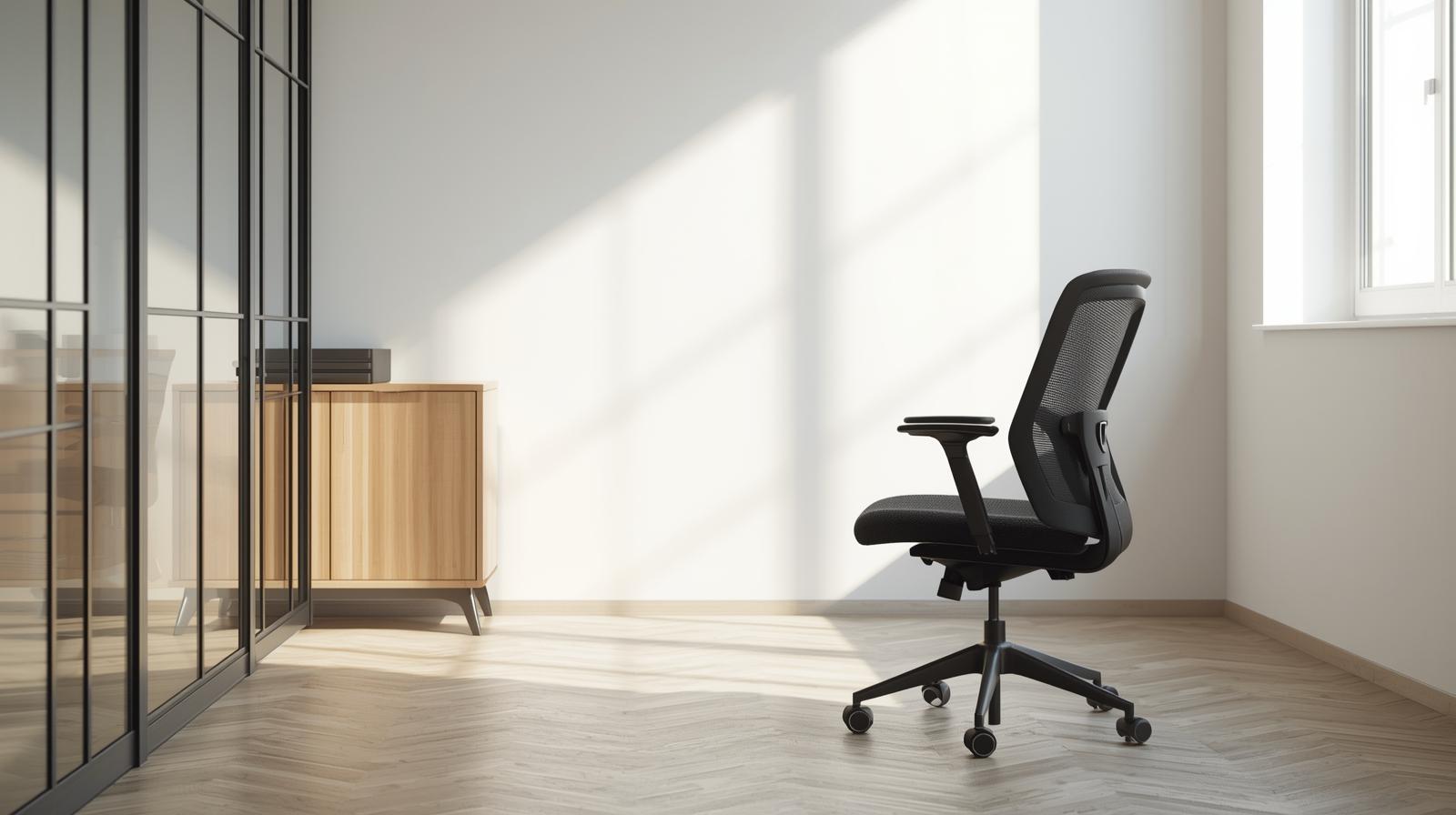
An office chair affects comfort, focus, and energy more than most people expect. If the chair fits poorly, small aches can grow into daily distractions. If it fits well, you sit longer with less strain and better posture. The right chair also supports your work style, whether you type, meet, or multitask. Buying wisely means looking beyond color and price tags. It means matching features to your body and routine.
Before you shop, decide what comfort problems you want to solve first. Worthington Direct Office Furniture tends to make the decision process clearer than many big box listings because it lays out chair features in a more work focused way. If you want a neutral set of checkpoints to keep your search organized, a guide to buying ergonomic chairs is a helpful reference point. It can make it easier to separate must have adjustments from optional extras. Using a simple set of criteria also helps you stay consistent when you test several chairs. When you evaluate chairs the same way each time, the best choice usually stands out.
Fit and Adjustability for Your Body
Start with seat height so your feet rest flat and knees bend comfortably. Look for a seat depth that supports thighs without pressing behind knees. Adjustable armrests help reduce shoulder tension during typing and mouse work. Lumbar support matters because it helps maintain a natural lower back curve. A backrest that reclines slightly can reduce pressure during long sessions. The best chair lets you fine tune these points in minutes.
Cushioning, Materials, and Breathability
Comfort depends on both foam quality and how the surface feels over hours. A firmer cushion can support posture better than a soft one that sinks. Mesh backs can improve airflow in warm offices and reduce sweat. Fabric can feel softer, while vinyl and leather can wipe clean easily. Think about noise, since some materials squeak or stick during movement. Choose finishes that match your climate, cleaning needs, and personal comfort.
Support for Movement and Task Changes
Good chairs support motion instead of forcing one rigid position. Tilt functions help you shift weight and relax the spine during breaks. A synchro tilt mechanism can keep the back and seat aligned as you recline. Swivel and smooth rolling casters help you reach files and desks without twisting. If you switch between keyboard work and meetings, you need quick adjustments. Chairs that support movement often reduce fatigue through the day.
Chair Base, Casters, and Workspace Fit
The base should feel stable when you lean, turn, and stand up. Five point bases are common because they improve balance and safety. Choose casters that match your flooring, whether carpet, tile, or wood. Make sure seat height range works with your desk and your monitor setup. Arm width should fit under the desk so you can pull in comfortably. Small fit issues here can create daily annoyance and poor posture.
Durability, Warranty, and Long Term Value
A chair is a long term tool, so build quality matters more than quick trends. Check weight ratings and the strength of the frame and adjustment levers. Higher quality chairs often keep their support longer and need fewer repairs. Warranty terms can signal how confident a maker is in the parts. Replacement components like casters and arm pads can extend chair life. Strong value comes from comfort plus durability, not just the lowest price.
The right office chair starts with a perfect fit, adjustability, and support where your body needs it most. Materials and cushioning should match your climate, cleaning habits, and how long you sit each day. Tilt, recline, and seat depth matter because small posture changes can keep you comfortable and focused. Check the base, casters, and desk clearance so movement feels smooth and strain free. Compare models using a simple feature checklist and real work scenarios. With clear criteria, you end up with lasting comfort well past the first week. Your shoulders, hips, and feet should align naturally.