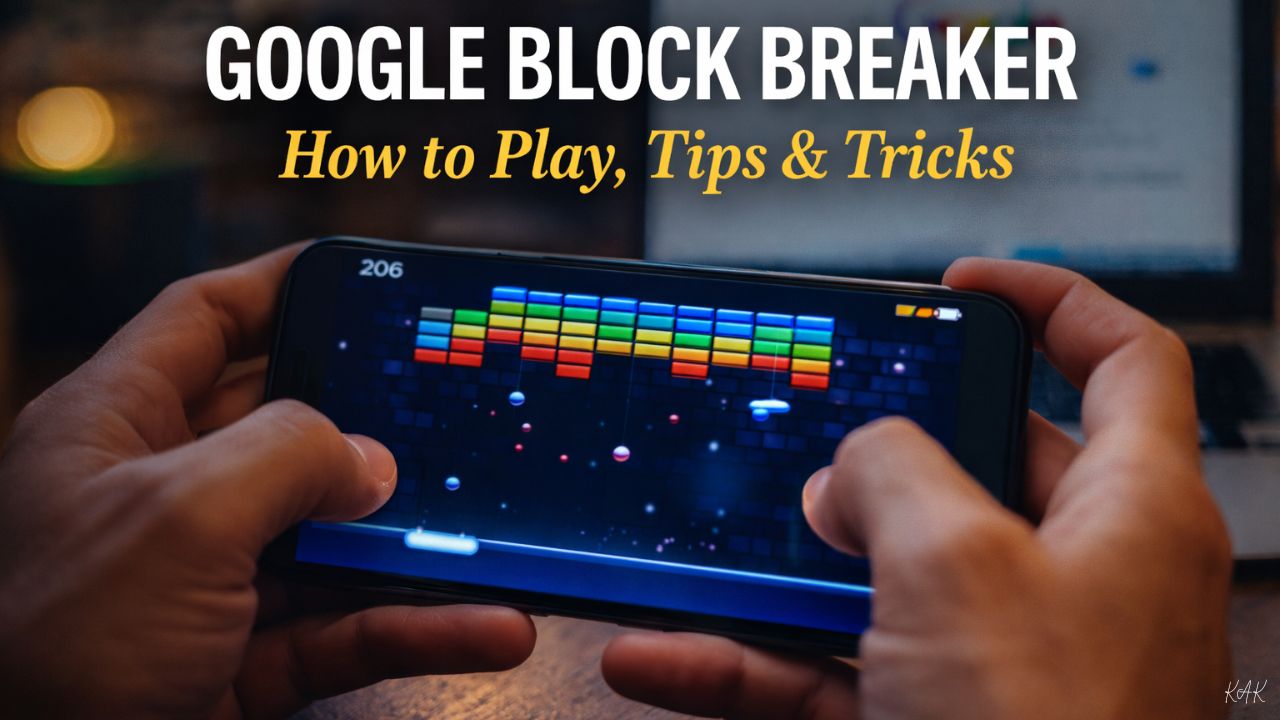
If you’ve ever needed a quick mental reset without downloading an app or opening a gaming platform, Google Block Breaker might be the most satisfying surprise hiding in plain sight.
This browser-based arcade game turns a simple Google search into a fully playable experience—no installs, no logins, no distractions. Inspired by the classic Atari Breakout, Google Block Breaker blends nostalgia with modern polish, making it one of Google’s most-loved interactive Easter eggs.
In this complete guide, we’ll cover what Google Block Breaker is, how to access it, how to play it properly, advanced strategies, power-ups, scoring mechanics, and why it remains so popular.
What Is Google Block Breaker?
Google Block Breaker is a free, browser-based arcade game that appears directly in Google Search results. It belongs to Google’s long tradition of interactive Easter eggs—hidden features designed to surprise users with fun, playable experiences.
The game is a modern homage to the 1976 arcade classic Breakout, where players control a paddle to bounce a ball and destroy colored blocks on the screen.
Key highlights:
-
No downloads or apps required
-
Works on desktop and mobile
-
Completely free
-
Instant access through Google Search
How to Play Google Block Breaker (Step-by-Step)
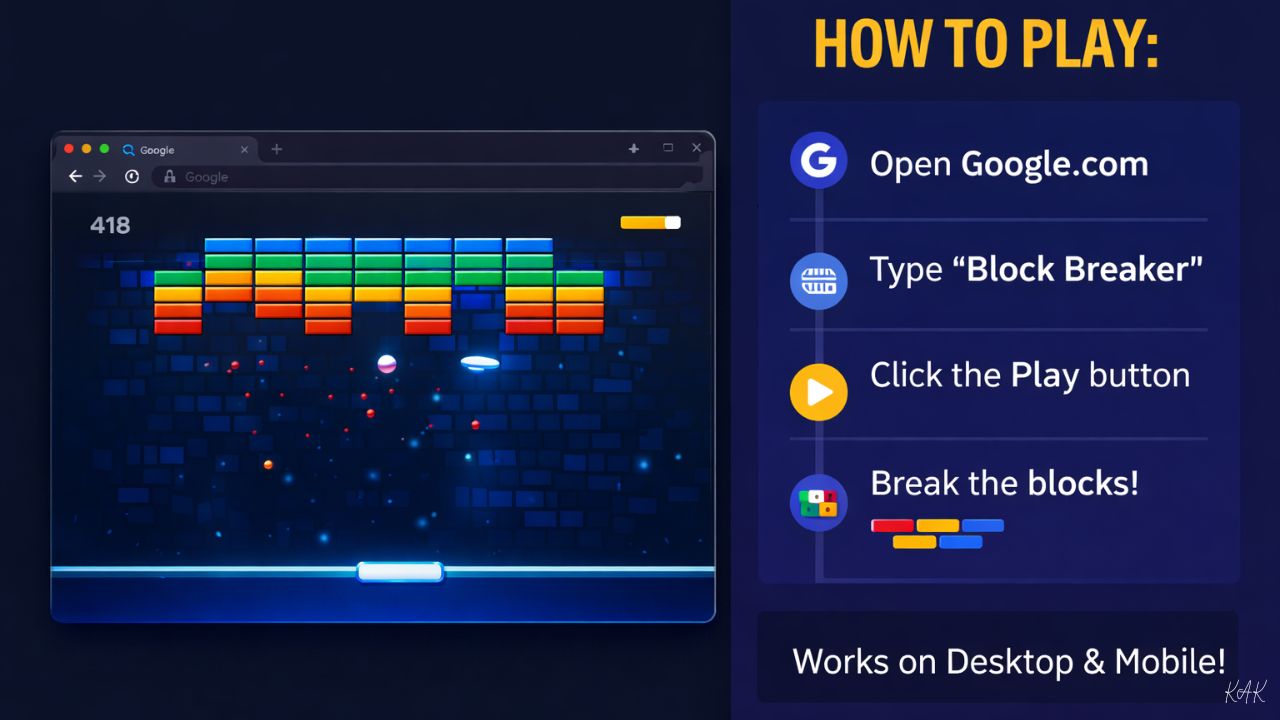
Getting started takes less than 10 seconds.
Step 1: Open Google
Go to Google.com on desktop or mobile.
Step 2: Search the Game
Type “Block Breaker” into the search bar.
Step 3: Click Play
An interactive game card appears at the top of the search results. Click Play, and the game launches instantly.
If the game doesn’t appear, try changing your language or use regional terms like “Rompebloques”. As a fallback, the elgooG mirror (elgoog.im) hosts the game.
Google Block Breaker Controls
Desktop Controls
-
Left / Right Arrow Keys: Move paddle
-
Mouse Movement: Paddle follows cursor
-
Spacebar or Click: Launch ball
Mobile Controls
-
Swipe left/right: Move paddle
-
Tap screen: Launch ball
The controls are intentionally simple, making the game accessible for all ages.
Core Gameplay Mechanics Explained
The objective is simple:
Break all blocks without letting the ball fall below your paddle.
But mastery comes from understanding the mechanics.
Block Types
-
Standard blocks: Break in one hit
-
Reinforced blocks: Require multiple hits
-
Indestructible blocks: Cannot be broken—used strategically for angles
Lives System
-
You start with 3 lives
-
Lose one when the ball falls past your paddle
-
Game ends when lives reach zero
Power-Ups in Google Block Breaker
Destroying blocks can trigger falling power-ups. Catch them with your paddle to activate special abilities.
Common Power-Ups
-
Multi-ball: Splits into 3 balls
-
Paddle extension: Doubles paddle width
-
Laser paddle: Shoots blocks directly
-
Speed modifiers: Speeds up or slows down ball
-
Extra life: Adds one life
Power-ups are temporary but game-changing.
How Scoring Works
Understanding scoring helps you maximize results.
-
Standard block: 10 points
-
Combo hits: Score multipliers for rapid destruction
-
Level completion bonus: 50 points
-
Hidden patterns: Certain formations yield higher totals
High scores depend more on precision and strategy than speed.
Advanced Tips to Win at Google Block Breaker
This is where ImpactWealth outperforms Park Magazine—practical, actionable gameplay mastery.
1. Use Paddle Edges for Angled Shots
Hitting the ball with the edges of the paddle sends it at sharper angles—perfect for reaching corners.
2. Create and Exploit Gaps
Once you punch a hole in the block wall, aim through it. One good gap shot can clear entire sections.
3. Don’t Chase Every Ball
During multi-ball chaos, focus on paddle positioning, not every ball.
4. Use Indestructible Blocks as Tools
Bounce off them intentionally to redirect shots upward.
5. Stay Calm
Smooth, controlled movements outperform frantic paddle sliding every time.
How Many Levels Are in Google Block Breaker?
Google Block Breaker includes 100+ unique levels, each with different layouts, block durability, and difficulty curves.
-
Early levels: Simple geometric patterns
-
Mid-game: Reinforced blocks and tighter formations
-
Late-game: Complex layouts requiring precision
Important: The game does not save progress between sessions. This is intentional and keeps sessions short and stress-free.
Why Google Block Breaker Is Still Popular
1. Instant Accessibility
One search → instant play.
2. No Monetization
No ads. No paywalls. No upgrades.
3. Short, Satisfying Sessions
Perfect for breaks, commutes, or mental resets.
4. Cross-Generational Appeal
Simple enough for kids, nostalgic for adults.
5. Stress Relief
Focused gameplay promotes calm and concentration.
Google Block Breaker vs Atari Breakout
| Feature | Google Block Breaker | Atari Breakout |
|---|---|---|
| Platform | Browser | Arcade/Console |
| Cost | Free | Paid |
| Levels | 100+ | Single screen |
| Power-ups | Yes | No |
| Graphics | Modern & colorful | Monochrome |
| Mobile support | Full | Limited |
Google’s version modernizes the experience while preserving its soul.
Frequently Asked Questions (SEO-Optimized)
Is Google Block Breaker free?
Yes. It is completely free with no ads or purchases.
Does Google Block Breaker work on mobile?
Yes. It is fully playable on smartphones and tablets.
Can you save progress in Google Block Breaker?
No. Progress resets each session by design.
Is Google Block Breaker an official Google game?
Yes. It is part of Google’s interactive search features.
Why doesn’t the game appear sometimes?
Availability may vary by region or language. Try alternative terms or elgooG.
Final Thoughts
Google Block Breaker proves that the best entertainment doesn’t need downloads, accounts, or distractions. Sometimes, all you need is a paddle, a ball, and a few colorful blocks.
Whether you’re chasing high scores, reliving arcade nostalgia, or just stealing a quick break, this hidden Google gem delivers timeless fun—instantly.
Next time you need a reset, don’t open an app.
Just search “Block Breaker”.
Also read: Streamlining Workflows with Advanced Financial Software