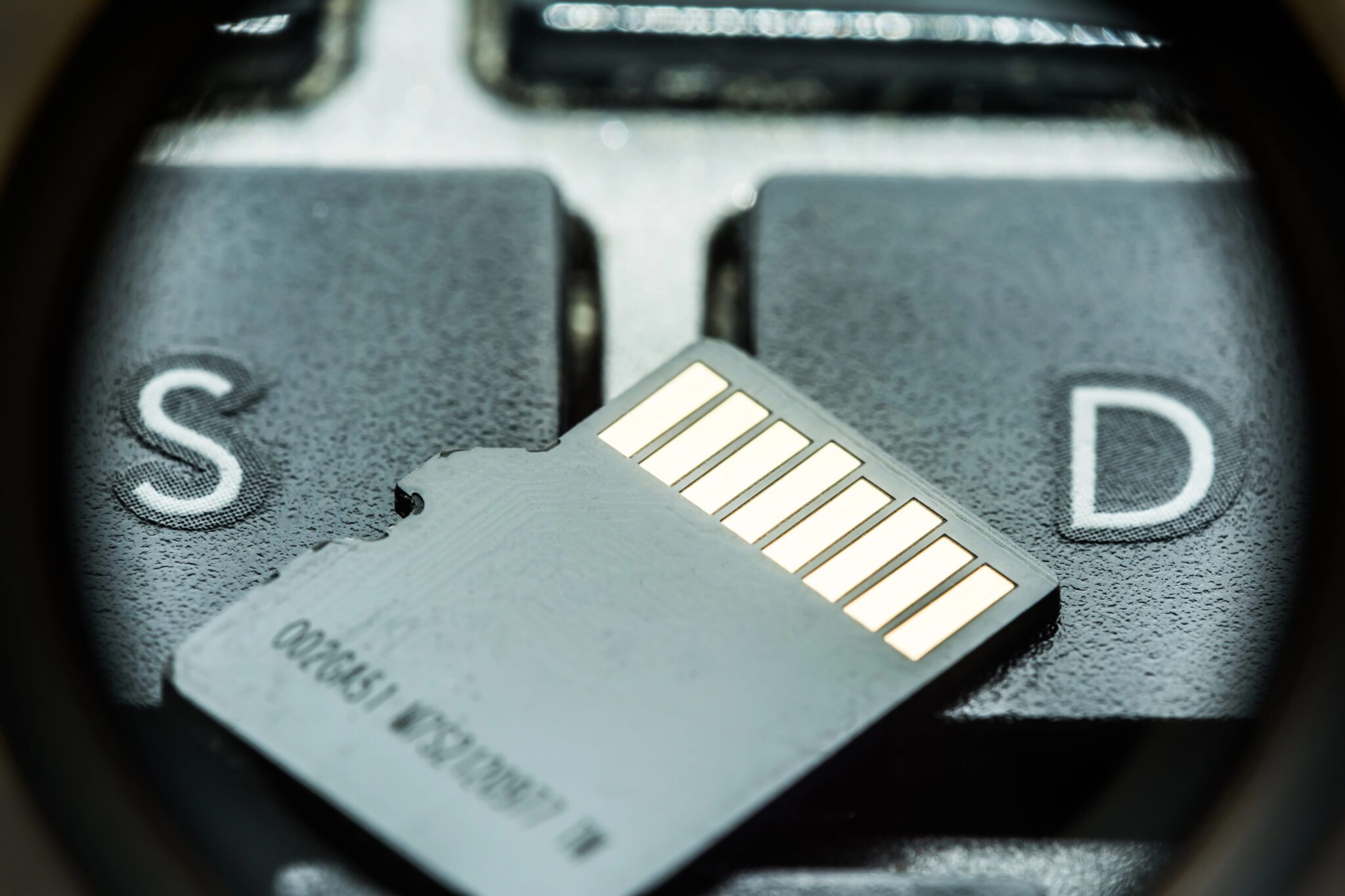
Micro SD cards are tiny. They store important data and are used in a variety of devices, to include cameras, drones, cell phones, dash cams, etc. However, improper handling and storage can lead to corruption of your files and damage to your card.
When investing in quality storage like a micro sd card, proper protection is essential. Here are seven storage mistakes that lead to data loss and corruption.
1. Removing the Card Without Safely Ejecting
Removing the card while data is still being sent is one of the fastest ways to ruin it. The device may still be writing files even if it doesn’t seem to be doing anything.
Before taking the card out of the slot, you should always use the “eject” or “safely remove” option. This easy step makes sure that all data transfers go smoothly.
2. Exposing the Card to Extreme Temperatures
It is not ideal for microSD cards to be exposed to fluctuations in temperature. You run the risk of causing damage to the internal components if you leave them in a hot car or expose them to cold weather.
They should be kept in a cool, dry place at all times. Memory cells are more likely to stay intact when the temperature stays the same.
3. Storing Without a Protective Case
It’s easy to lose, bend, or scratch micro SD cards because they are so small. They are more likely to get damaged if you throw them around in a bag or pocket.
You should put it in a protective case to keep dust, water, and accidental pressure from getting into it. Putting your card in a simple case can make it last a lot longer.
4. Using the Same Card Across Multiple Devices
If you don’t format a card before switching it between cameras, phones, and other devices, file system conflicts can happen. Data may be organised in a little different ways on different devices.
Prepare the card in the device that you intend to use most often. This ensures optimal functionality and reduces the likelihood of file damage.
5. Ignoring Signs of Wear or Slower Performance
If your card starts to work less quickly or files won’t save properly, it may be getting close to the end of its useful life. Continuing to use a failing card increases the risk of permanent data loss.
If you see strange behaviour, you should backup your data right away. It’s much cheaper to get new cards than to get back lost files.
6. Overfilling the Storage Capacity
A card that is used frequently will experience stress on the memory cells of the card. Writing becomes a process that is either slow or difficult to complete when there is not a lot of free space.
Keeping storage space available is preferable to fully filling it. Keeping storage below its full capacity helps improve consistency in performance.
7. Improper Long-Term Storage
To keep cards from becoming less reliable, you should use them often. Using memory cells on a regular basis will make things work better.
If you want to keep a card for a long time, keep it in a dry place that doesn’t have any static. Checking and backing up the stored data on a regular basis also lowers risks.
Protect Your Data Before It’s Too Late
Indeed, micro SD cards have a lot of important files and memories on them, and even though they are really small, they are very valuable. If you avoid making storage mistakes, both your files and your storage card will be safe.